

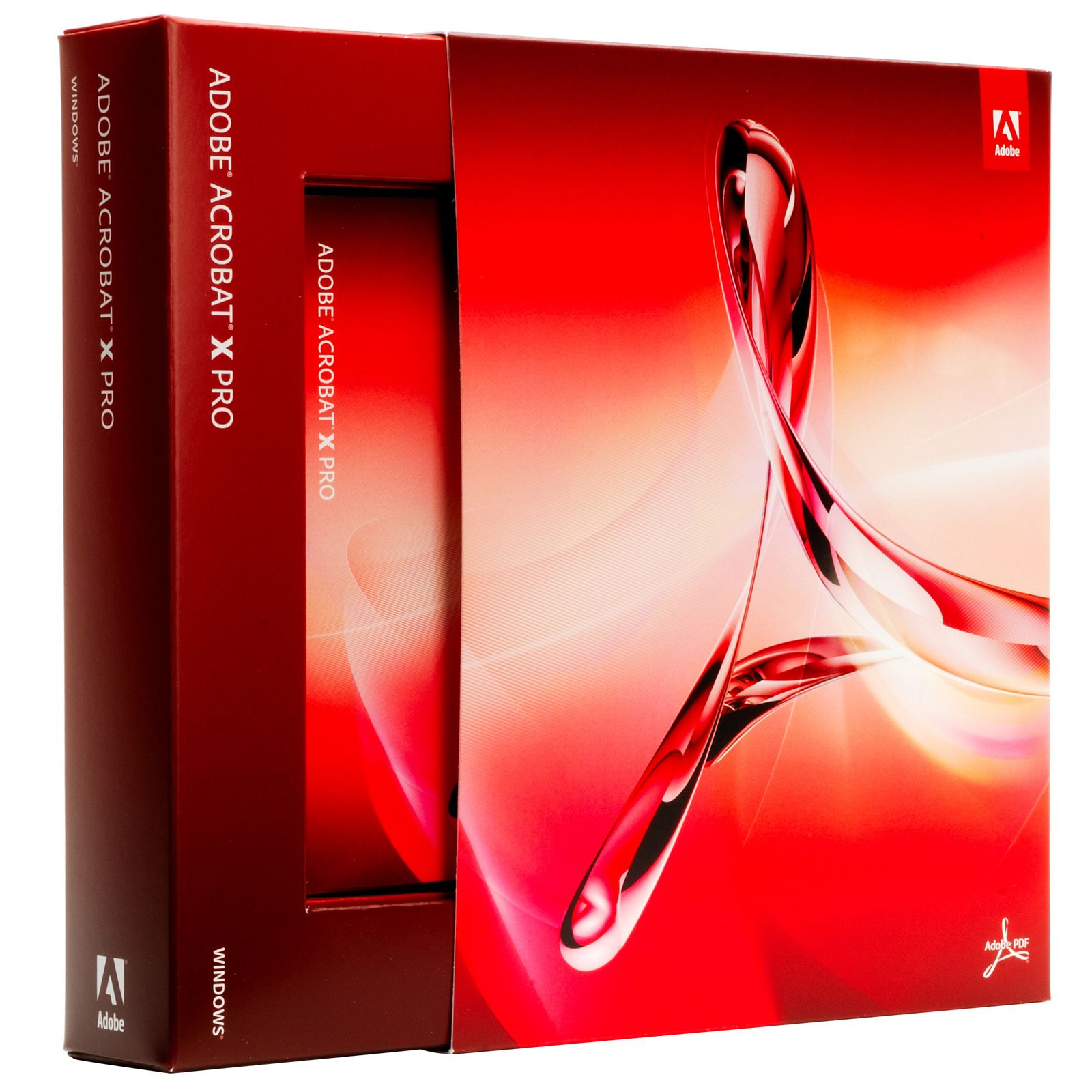
Adobe Acrobat XI Pro
99 £
Platform: Windows
Language: Multilanguage
Key: Lifetime
Devices: 1
Version: Pro
The delivery of the product take places on the same day!
Turn static PDF files into controlled, editable business documents. Adobe Acrobat XI Pro gives teams a dedicated workspace for creating, converting, editing, reviewing, protecting, and distributing PDFs. It reduces the friction of retyping content, rebuilding layouts, or managing feedback across separate files. For document-heavy operations, this means faster approvals, clearer records, and PDFs that remain consistent when shared.
Adobe Acrobat XI Pro is built for professional document management rather than basic viewing. The Pro edition supports the full PDF workflow: convert source files into PDF, modify existing PDF content, combine documents into organised files, and prepare forms for completion. This creates a single, portable document format for contracts, reports, proposals, manuals, applications, and archived records. Recipients can review the same page layout, fonts, images, and pagination intended by the author.
- PDF conversion and creation: Create PDFs from business documents and consolidate multiple source files into a standardised format. This helps preserve document presentation for circulation, submission, and long-term record keeping.
- PDF editing tools: Update text, images, pages, and document structure within an existing PDF. Small corrections can be completed without returning to the original source file or recreating the entire document.
- Document assembly: Combine separate PDFs into one ordered file, or organise pages within a document. This is useful for producing complete tender packs, training materials, client files, and multi-part reports.
- Review and annotation workflow: Add comments, mark-ups, and review notes directly to PDF pages. Feedback remains attached to the relevant content, making revision requests easier to trace and resolve.
- Forms and document completion: Prepare PDF forms for digital completion and manage information captured in a structured document. This supports repeatable processes such as applications, internal requests, registrations, and client intake.
- Document protection: Apply PDF security controls to sensitive material. This helps organisations manage access to confidential contracts, financial documents, internal procedures, and controlled distribution files.
The Adobe Acrobat XI Pro interface is designed around the PDF format, so document tasks are handled in one application instead of across a viewer, word processor, converter, and separate review tool. Its editing capability is especially valuable when a PDF is the only available version of a document. Page-level changes, content updates, and file consolidation can be handled directly, helping protect the original layout and reducing version-control issues.
This product is identified as Adobe Acrobat XI Pro, SKU 487221762569, in the Adobe Suite category. The listing specifies Adobe as the brand and identifies the product as a PDF converter, PDF editor, document management solution, and Pro Edition software. No physical materials or product dimensions apply because this is software. Adobe Acrobat XI is a legacy product generation, so buyers should confirm operating-system compatibility, installation requirements, licensing eligibility, and activation support against their current IT environment before deployment.
Use Adobe Acrobat XI Pro to prepare client-ready proposals, merge supporting evidence into a single submission, correct supplied PDF documents, circulate commented proofs, create fillable administrative forms, and protect files containing sensitive information. The workflow suits offices that exchange formal documents every day and need more control than a standard PDF reader provides. It also supports teams that must retain a dependable PDF record after the original editing files have moved, changed, or become unavailable.
Choose a professional PDF workspace that keeps documents accurate, actionable, and ready to share. Adobe Acrobat XI Pro brings conversion, editing, assembly, review, forms, and protection into a focused document-management tool. Its value is practical: less rework, fewer fragmented files, and stronger control over the PDFs that carry important business information.
| Brand |
Adobe |
|---|
23 reviews for Adobe Acrobat XI Pro
Only logged in customers who have purchased this product may leave a review.
Συχνές Ερωτήσεις
What can I use Adobe Acrobat XI Pro for?
Adobe Acrobat XI Pro is designed for creating, editing, converting, and managing PDF documents. It can help with tasks such as preparing secure PDFs, filling out forms, adding comments, and working with document approvals.
Can Adobe Acrobat XI Pro convert documents into PDF format?
Yes, Adobe Acrobat XI Pro can convert various file formats into PDFs while helping preserve the original formatting. This makes documents easier to share and view consistently.
Does Adobe Acrobat XI Pro allow PDF editing?
Yes, it includes editing tools that let users modify text, images, and pages within PDF documents. This is useful when you need to update existing files without recreating them from scratch.
Is Adobe Acrobat XI Pro suitable for business document workflows?
Yes, Adobe Acrobat XI Pro is suitable for professionals and businesses that regularly create, review, edit, and share PDF documents. Its collaboration, form, and security features can help streamline document-related tasks.
Can I use Adobe Acrobat XI Pro to fill out forms?
Yes, Adobe Acrobat XI Pro supports working with forms, including filling them out electronically. This can reduce the need for printing and manual paperwork.
Does Adobe Acrobat XI Pro support electronic signatures?
Yes, Adobe Acrobat XI Pro supports electronic signatures for signing and approving documents. This helps make document approval processes more efficient and secure.
How does Adobe Acrobat XI Pro help with document collaboration?
Adobe Acrobat XI Pro allows users to add annotations and comments to PDF documents. This makes it easier for teams to review, provide feedback, and collaborate on shared files.


Harold Hughes (verified owner) –
The licence details arrived quickly and activation was straightforward on my Windows PC. Acrobat XI Pro is particularly useful for combining reports and making small edits to PDFs without going back to the original files. It has made preparing complete document packs much less time-consuming.
vintage_vic (verified owner) –
The licence details were delivered by email shortly after payment, and the download and activation instructions were clear enough to follow without contacting support. I installed Adobe Acrobat XI Pro on a Windows 10 desktop and activation completed successfully using the supplied licence information. The interface is older than current Adobe products, but it is straightforward and the main tools are easy to find once installed.
I mainly bought it to combine reports, make occasional corrections to text in existing PDFs, add comments during document reviews, and apply password protection before sending files to clients. It has handled those tasks reliably, and the ability to edit a PDF when the original Word file is unavailable has been useful. I have also created a few fillable forms and rearranged pages in larger document packs without any problems. For the price, it provides the professional PDF features I needed and has worked consistently so far.
Katie Morgan (verified owner) –
Installed without any fuss and the licence activated straight away. The PDF editing and combining tools are exactly what I needed for work.
j morgan (verified owner) –
The licence details arrived quickly and Acrobat XI Pro installed and activated without any trouble on my Windows PC. I mainly use it to combine client documents, make small edits to PDFs, and add review comments, which is much easier than going back to the original files. Very pleased with the purchase and the price.
manc_mike (verified owner) –
Acrobat XI Pro is still very useful for editing text in PDFs, combining files and adding comments without having to recreate the original document. The only real drawback was the activation process, which took a bit of trial and error on my Windows PC, but once installed it worked reliably.
Owen Parker (verified owner) –
Activation was straightforward and the licence details arrived within minutes.
Jenkins (verified owner) –
Quick delivery and straightforward activation; the PDF editing and page-combining tools work exactly as needed.
ByteBiscuit (verified owner) –
I installed Adobe Acrobat XI Pro on a Windows 10 desktop and the setup was straightforward: after entering the licence details, it activated without any problems and opened existing PDF files immediately. The feature I use most is the ability to edit a few lines or replace an image directly in a PDF when the original Word document is no longer available, without disturbing the surrounding layout. I have also combined several reports into one ordered file, added review comments, and applied password restrictions before sending confidential documents, and all of these tasks are handled from the same interface. It is older software, but for creating, editing, annotating, organising and protecting PDFs it has been reliable and much better value than paying for a newer subscription.
Ian (verified owner) –
The licence was delivered quickly and Acrobat XI Pro installed without any real problems on my Windows PC. I mainly use it to combine files, make small edits to PDFs and add review comments, and it handles those tasks very well. It is an older interface and took a little time to get used to, but it is still a useful and reliable purchase for the price.
j mason (verified owner) –
Fast delivery and straightforward activation; the PDF editing and page-combining tools work brilliantly.
Fiona (verified owner) –
The licence details arrived quickly and activation was straightforward on my Windows PC. Acrobat XI Pro is especially useful for making small edits to PDFs, combining documents and adding review comments without rebuilding the original files. It has saved me a good deal of time with client paperwork.
James Whitfield (verified owner) –
The licence details arrived quickly by email, and installation on my Windows 10 desktop was straightforward after entering the serial number and completing Adobe’s activation steps. I mainly use Acrobat XI Pro to combine scanned invoices and supplier PDFs, rearrange pages, correct small text errors, and add comments during document reviews, which is much quicker than rebuilding the files in Word. The form tools are also useful for preparing reusable application documents, while password protection gives me a simple way to restrict editing before sending confidential files. It is an older version of Acrobat, but it does exactly what I needed and the licence worked without any problems.
SandyDocs88 (verified owner) –
Installation and activation were straightforward, and Acrobat XI Pro is exactly what I needed for editing and combining client PDFs. The ability to make small text changes, add review comments and protect finished documents saves me a lot of time compared with going back to the original files. Very pleased with the purchase.
Andrew Collins (verified owner) –
The licence was delivered quickly and Acrobat XI Pro installed without any major problems on my Windows PC. Editing existing PDF text, combining files and adding comments work as expected, although the interface is dated and activation took a couple of attempts. Overall, it is useful for regular document work, but newer Adobe versions are more polished.
Peter (verified owner) –
The download link arrived within a few minutes, and Acrobat XI Pro installed and activated without any problems on my Windows PC. I have used it to combine scanned documents, make small text corrections, add review comments, and protect PDFs with a password, which is much more practical than rebuilding the files from scratch. It performs exactly as expected for professional PDF work and was a good value for the price.
Daniel Hughes (verified owner) –
Activation was quick and the licence details arrived within minutes, so I had Acrobat XI Pro running without any fuss. The editing tools are just what I needed for making small changes to PDFs and combining files, much easier than rebuilding them from scratch. really happy with the price and service, would use this shop again.
Benjamin Carter (verified owner) –
The licence details were delivered shortly after purchase and activation on my Windows PC was straightforward. Acrobat XI Pro has been useful for editing small sections of PDFs, combining files, and adding comments without needing the original documents. It performs as expected for my day-to-day paperwork.
Vanessa (verified owner) –
Very pleased with Adobe Acrobat XI Pro. I needed to make a few corrections to an existing PDF and combine several documents into one file, and both tasks were straightforward without disturbing the original layout. The licence details arrived quickly and activation was simple.
Laura McKenzie (verified owner) –
Really pleased with Adobe Acrobat XI Pro. I mainly bought it to tidy up and combine PDF documents for work, and it has made that much easier than using several different tools. Being able to change a line of text, move pages around, add comments and then save everything as one file is exactly what I needed. The editing is especially handy when the original Word document is nowhere to be found, which happens more often than it should.
The download link arrived quickly and the licence activated without any problems on my Windows laptop. I’ve also used the form tools for an application form and the security settings for a confidential document, both worked as expected. It took me a little while to find everything in the interface, but after a day or so it felt quite natural. A couple of the menus look a bit dated, and I made a few spelling mistakes in my first form, but the actual PDF tools are reliable and the price was very good for what it does. Five stars from me, very happy with the purchse.
Nathan Brooks (verified owner) –
Activation was straight forward after entering the licence key and restarting Acrobat, and it installed fine on my Windows 10 PC. The edit text tool, page organising and combining PDFs work really well, especially when I only have the PDF and not the orginal Word file. Its a bit dated now and some menus feel clunky, but for forms and document reviews it still does the job.
Chris M. (verified owner) –
Installed and activated without any fuss, and editing text in old PDFs works exactly as needed.
Victoria Hughes (verified owner) –
I installed Adobe Acrobat XI Pro on a Windows 10 desktop using the supplied download link, and the activation completed without any problems. I have mainly used it to combine scanned invoices and Word documents into one ordered PDF, make small corrections to text, and add comments during document reviews; the ability to edit a PDF when the original source file is unavailable has been particularly useful. The form tools and password protection are also practical for sending client paperwork, while page thumbnails make rearranging and removing pages straightforward. It is an older version of Acrobat, but it remains stable and considerably more capable than a basic PDF viewer, and the licence details and delivery instructions were clear.
Bethany Clarke (verified owner) –
The licence details arrived quickly and activation was straightforward. I mainly use it to combine reports and make small edits to PDFs, and it works exactly as needed.