

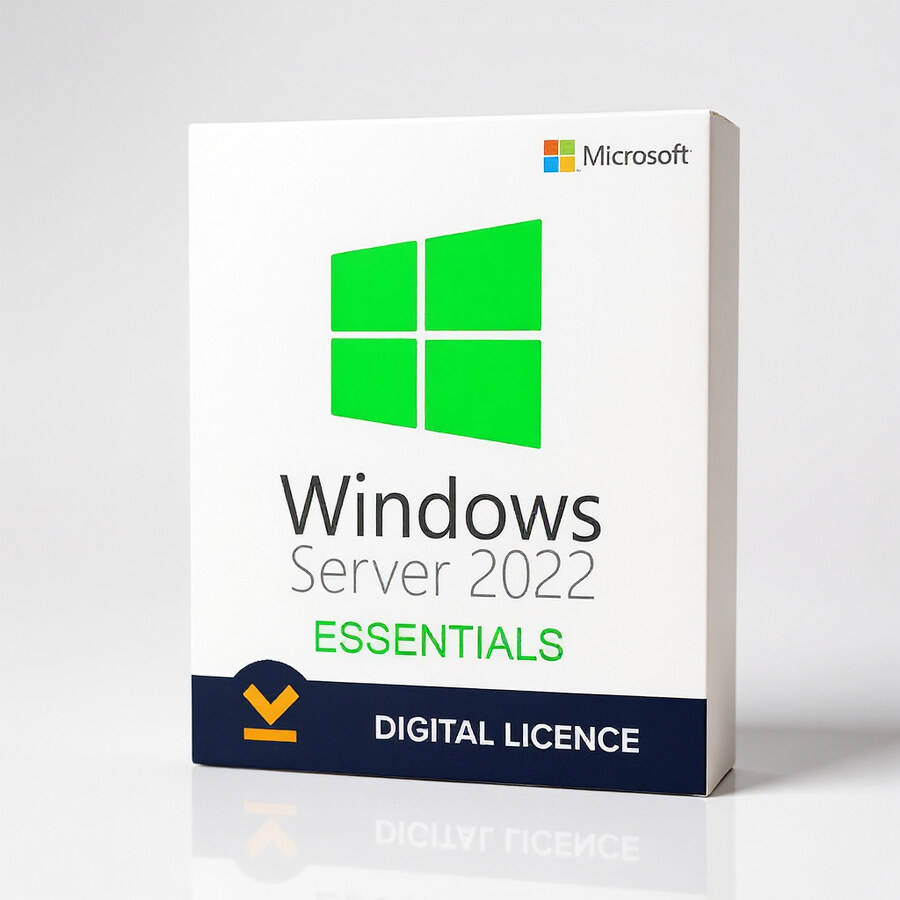
Windows Server Essentials 2022
199 £

Click to Verify our Partnership
Platform: Windows
Language: Multilanguage
Cores: Unlimited
Users: 25
Devices: 50
CPU: UP to 4
Key: Lifetime
Version: Essentials
The delivery of the product take places on the same day!
Give a small business a secure, central platform for core IT services without adopting an enterprise-scale server model. Windows Server Essentials 2022 brings Microsoft server infrastructure into an edition designed for smaller organisations that need dependable identity management, file access, application hosting, and network administration. It replaces scattered local storage and unmanaged workstations with a controlled server operating system. That means business data, user access, and essential services can be administered from a defined Microsoft server environment.
Windows Server Essentials 2022 is the Essentials Edition of Microsoft’s Windows Server 2022 family. This matters because it provides a focused licensing and deployment option for small-business server estates rather than requiring the scale and administrative overhead associated with larger Windows Server editions. The edition is intended for organisations with up to 25 users and 50 devices, giving a clear operational boundary for compact teams. It is a practical fit for offices that need a dedicated server for shared resources, line-of-business software, user accounts, and protected internal access.
Centralised administration improves consistency. Instead of managing permissions and resources separately across individual PCs, administrators can use a server-based operating system to establish controlled access to business services. Microsoft’s server platform supports the foundation required for structured IT operations: authenticated user access, shared storage, network services, and application workloads. This creates a more manageable environment as staff, devices, and business data increase. It also gives organisations a defined platform on which IT providers can configure maintenance, backup policies, security controls, and operational procedures.
- Essentials Edition licensing scope: supports small-business environments of up to 25 users and 50 devices, helping teams select an edition aligned with their actual operational scale.
- Windows Server 2022 platform: provides a current Microsoft Server operating system foundation for hosting core infrastructure and compatible business workloads.
- Microsoft brand ecosystem: aligns with established Microsoft administration practices, Windows-based endpoints, and server-focused IT support workflows.
- Dedicated server role: moves critical services away from ad hoc desktop sharing, helping businesses apply clearer access rules and retain administrative control.
- SKU 863814496953: provides a specific product reference for procurement records, asset tracking, and licence-management documentation.
As server software, this product has no physical material composition, chassis size, weight, or rack dimensions. It is not a hardware appliance. The practical compatibility consideration is the server on which it will be deployed. Windows Server Essentials 2022 requires compatible 64-bit server hardware and adequate processor, memory, storage, network, and firmware resources for the roles and workloads selected. Capacity planning should account for the number of users, connected devices, file volumes, applications, virtualisation needs, backup retention, and expected growth. A server intended only for lightweight file and identity services has very different resource requirements from one supporting database-driven applications or multiple virtual machines.
Deploy it where local control matters. A professional office can use it as the backbone for authenticated access to shared business files. A specialist practice can establish a managed environment for its operational applications and internal resources. A growing company can use it to replace informal peer-to-peer sharing with a server-based structure that IT staff or an external provider can maintain. The value is not simply having another computer on the network. It is creating a defined point of administration for systems that the business relies on every day.
Windows Server Essentials 2022 is especially relevant when a business has outgrown consumer-grade storage and individual-PC administration but does not need a large-scale enterprise server deployment. Its Essentials designation, Microsoft Server category, and Windows Server 2022 platform identify a focused solution for that transition. Select it to establish a controlled, supportable server operating system foundation for a small-business IT environment, with licensing limits that are clearly suited to compact organisations.
Build a more organised server environment with a Microsoft platform designed around small-business scale. Windows Server Essentials 2022 gives administrators a recognised Windows Server 2022 base for consolidating essential services, structuring access, and supporting day-to-day operations from one managed infrastructure layer.
| Brand |
Microsoft |
|---|
5 reviews for Windows Server Essentials 2022
Only logged in customers who have purchased this product may leave a review.
Συχνές Ερωτήσεις
What type of business is Windows Server Essentials 2022 designed for?
Windows Server Essentials 2022 is designed for small to medium-sized businesses that need a versatile server solution. It helps streamline operations, improve collaboration, and manage users, devices, and data more efficiently.
Does Windows Server Essentials 2022 include tools for managing users and devices?
Yes, it includes a simplified dashboard that makes it easier to manage users, devices, and business data. This is intended to reduce administrative complexity for everyday server management.
How does Windows Server Essentials 2022 help protect business data?
Windows Server Essentials 2022 supports modern data security protocols to help protect business information from unauthorized access. It is designed to support safer handling of sensitive data and help businesses maintain security-focused operations.
Can Windows Server Essentials 2022 integrate with cloud services?
Yes, Windows Server Essentials 2022 offers cloud integration with Microsoft cloud services. This can help businesses improve efficiency, scalability, and access to connected tools.
Is Windows Server Essentials 2022 suitable for improving team collaboration?
Yes, its integration capabilities help connect business applications and support smoother collaboration. This can improve productivity by making data and tools easier to manage and access.
Is Windows Server Essentials 2022 easy to manage for smaller IT teams?
Windows Server Essentials 2022 is built with ease of use and simplified management in mind. Its dashboard helps smaller teams manage essential server tasks without unnecessary complexity.
Why should a business consider Windows Server Essentials 2022 before purchasing?
Businesses should consider it if they need a cost-effective server solution with security, cloud integration, and simplified management features. It provides essential tools to support efficient daily operations in a modern business environment.
Rebecca (verified owner) –
The licence details were supplied promptly and activation on our compatible 64-bit server was straightforward. Windows Server Essentials 2022 provides the central user and file management we needed for a small office, although checking the 25-user and 50-device limits required some care during planning.
mike t (verified owner) –
The licence details arrived quickly and activation was straightforward on our small office server. Windows Server Essentials 2022 gives us one place to manage user accounts, shared files and access permissions instead of relying on separate PCs. It suits our team size well and has been stable so far.
r williams (verified owner) –
download arrived quickly and the licence activated without any fuss. installed it for our small office server and setting up users and shared folders was pretty straight forward. It has made access much more organised, and the price was very FAIR for what we needed.
Martin (verified owner) –
I bought Windows Server Essentials 2022 for a small office with 14 users and 22 connected devices. The licence details were delivered promptly after payment, and the activation process completed without any problems using the instructions provided. I installed it on compatible 64-bit server hardware and used it for centralised user accounts, shared folders and access permissions. The setup was more involved than installing a desktop version of Windows, but the available Microsoft documentation and familiar administration tools made the process straightforward. It has replaced several ad hoc file shares and gives us a clearer way to manage access and backups. The edition is a good fit for our size of business, and I have not encountered any issues with the licence or the core server features so far.
Bethany Morgan (verified owner) –
The licence details arrived promptly and activation was straightforward on our compatible 64-bit server. Windows Server Essentials 2022 has given our small office a central place to manage user accounts, shared files and permissions instead of relying on individual PCs. It suits our size and the setup has been stable so far.