

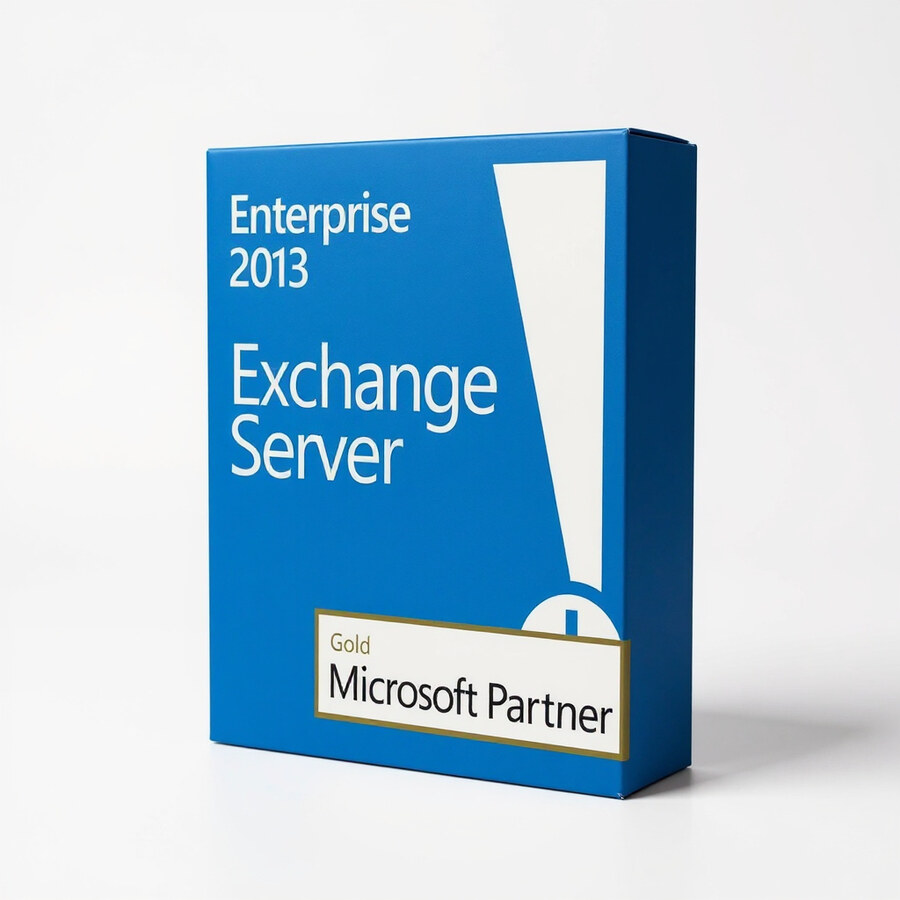
Exchange Server Enterprise 2013
349 £

Click to Verify our Partnership
Platform: Windows
Language: Multilanguage
Cores: Unlimited
CPU: UP to 4
Key: Lifetime
Version: Enterprise
The delivery of the product take places on the same day!
Consolidate high-volume business email into a controlled, on-premises platform built for complex Exchange estates. Microsoft Exchange Server Enterprise 2013 is designed for organisations that need to operate multiple mailbox databases on a single server, maintain internal control over messaging data, and support established Microsoft collaboration workflows. Its Enterprise Edition licensing is suited to larger deployments where mailbox distribution, database segmentation, and operational continuity matter.
Exchange Server Enterprise 2013 provides the server-side foundation for company email, calendars, contacts, task information, and shared mailboxes. It centralises these services within the Microsoft server environment, helping IT teams apply consistent administration and retention practices instead of managing disconnected mail systems. The result is a structured messaging environment that supports internal communication, meeting coordination, delegated mailbox access, and shared departmental correspondence.
The Enterprise Edition supports up to 100 mounted mailbox databases per server. This capacity is the defining distinction for organisations managing larger or more segmented Exchange deployments. Separate mailbox databases can be used to organise users by business unit, geography, retention requirement, or service tier. That structure gives administrators greater flexibility when planning maintenance, controlling database growth, and isolating operational workloads. The 100-database limit applies to mounted mailbox databases on each Exchange server, not simply to the total number of user mailboxes.
- Enterprise mailbox database capacity: Supports up to 100 mounted mailbox databases per server, enabling more detailed mailbox organisation for complex environments.
- Microsoft Exchange 2013 platform: Brings email, calendaring, contacts, tasks, shared mailboxes, and collaboration data into one centrally administered messaging system.
- On-premises deployment model: Keeps Exchange server roles and organisational messaging data within infrastructure managed by the business, supporting internal governance requirements.
- Active Directory integration: Uses the Microsoft directory environment to help IT teams manage users, groups, permissions, and mailbox provisioning through established Windows administration processes.
- Enterprise Edition designation: Built for organisations that require greater mailbox database scale than the Exchange Server 2013 Standard Edition allowance.
- Product identification: Microsoft Exchange Server Enterprise 2013, SKU 822869755358, for accurate procurement and legacy environment matching.
The platform integrates with Active Directory Domain Services and DNS, making it appropriate for businesses already operating a Windows Server domain environment. Exchange Server 2013 requires supported 64-bit Windows Server configurations and an appropriately prepared Active Directory forest and domain. Exact operating-system support depends on the Exchange 2013 cumulative update level in use, so deployment planning should confirm the required cumulative update, Windows Server version, .NET Framework dependency, and schema preparation requirements before installation. This is server software, not a physical appliance; no chassis dimensions, hardware materials, or rack footprint apply.
For end users, Exchange Server 2013 supports the familiar Exchange mailbox experience through compatible Outlook clients, Outlook on the web, and mobile connectivity configured within the organisation. For IT teams, the benefit is a single messaging service that can be managed through Exchange administration tools rather than separate systems for email and calendars. Shared mailboxes can support functions such as sales, service, finance, or reception, while calendar features help coordinate meeting rooms, equipment, and team availability. Appropriate Exchange Client Access Licenses are required for users or devices accessing Exchange services and are separate from the server licence.
Exchange Server Enterprise 2013 is particularly relevant for maintaining or extending an existing Exchange 2013 estate, supporting a controlled legacy migration plan, or matching a business application that depends on Exchange 2013 infrastructure. Microsoft ended support for Exchange Server 2013 on 11 April 2023. It should therefore be deployed only with a clear understanding of the organisation’s security, compliance, and lifecycle responsibilities, and with a defined plan for maintaining or transitioning the environment. This product delivers the Enterprise Edition scale needed for established Exchange 2013 operations where mailbox database flexibility is a direct operational requirement.
Choose Microsoft Exchange Server Enterprise 2013 when your environment requires the 100 mounted-mailbox-database capacity of the Enterprise Edition and a Microsoft-managed on-premises messaging foundation. It provides a specific fit for larger Exchange 2013 infrastructures that need structured mailbox management, Active Directory-based administration, and centralised control of business communication services.
| Brand |
Microsoft |
|---|
4 reviews for Exchange Server Enterprise 2013
Only logged in customers who have purchased this product may leave a review.
Συχνές Ερωτήσεις
Is Exchange Server Enterprise 2013 suitable for medium to large businesses?
Yes, Exchange Server Enterprise 2013 is designed for medium to large enterprises that need advanced email, calendar, and contacts management. It is well suited for organizations requiring centralized communication and collaboration tools.
What communication features does Exchange Server Enterprise 2013 provide?
It provides email, calendar, and contacts management in a single platform. It also includes advanced email management functions to help organizations manage business communications more efficiently.
Can employees access Exchange Server Enterprise 2013 from different devices?
Yes, the software supports access from multiple devices, including smartphones, tablets, and desktop computers. This helps employees stay connected to email and calendars while working remotely or on the go.
Does Exchange Server Enterprise 2013 include security features?
Yes, Exchange Server Enterprise 2013 includes enhanced security protocols designed to help protect business communications and data. These measures can support customer trust and regulatory compliance requirements.
Is Exchange Server Enterprise 2013 easy to administer?
Exchange Server Enterprise 2013 includes the Exchange Admin Center, which provides a user-friendly interface for administration tasks. This can help IT teams manage settings and communication services more efficiently.
Can Exchange Server Enterprise 2013 support business growth?
Yes, its scalable architecture is designed to support growing business needs without compromising performance. This makes it a practical option for organizations planning to expand their communication infrastructure.
What are the main benefits of implementing Exchange Server Enterprise 2013?
The main benefits include improved productivity, centralized communication management, reduced downtime, and stronger data protection. It can help businesses streamline workflows and improve operational efficiency.
andy (verified owner) –
key matched our old Exchange setup and activated fine, pretty painless tbh
Ryan T. (verified owner) –
The Exchange Server Enterprise 2013 licence was delivered quickly and matched the product description. Installation and activation went smoothly in our existing Windows Server and Active Directory environment, and the support for multiple mailbox databases is exactly what we needed for our larger setup.
Fiona Clarke (verified owner) –
Installed and activated Exchange Server Enterprise 2013 without any real drama. The 100 database limit is handy for our setup, tho the documentation took a bit of digging. works well with our existing AD.
Alice Thompson (verified owner) –
Licence key arrived quickly and activated our old Exchange setup without any fuss.