

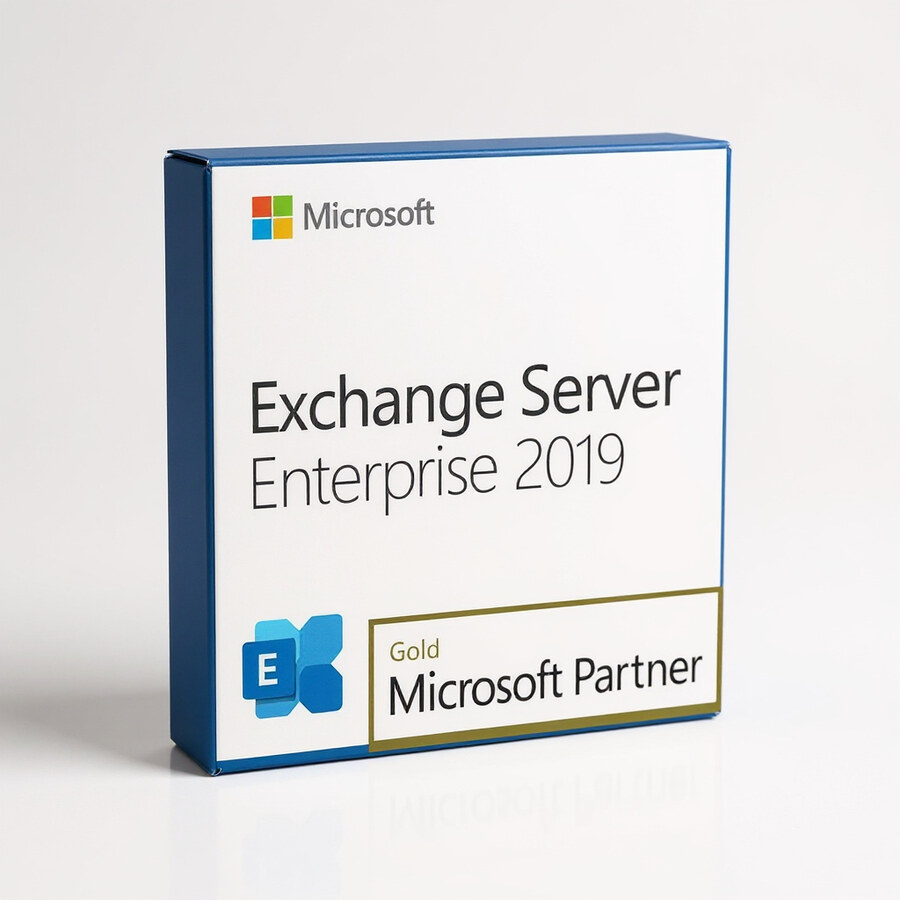
Exchange Server Enterprise 2019
599 £

Click to Verify our Partnership
Platform: Windows
Language: Multilanguage
Cores: Unlimited
CPU: UP to 4
Key: Lifetime
Version: Enterprise
The delivery of the product take places on the same day!
Keep business email, calendars, contacts, and shared mailboxes under your organisation’s control. Microsoft Exchange Server Enterprise 2019 provides an on-premises messaging platform for companies that need centralised administration, mailbox resilience, and integration with the Microsoft server environment. It is built for enterprise communication workloads where data location, retention policies, and service availability must be managed internally.
Exchange Server Enterprise 2019 helps IT teams operate email as a controlled business service rather than a collection of disconnected inboxes. Central administration gives authorised teams a single environment for managing user mailboxes, distribution groups, shared mailboxes, email addresses, and messaging policies. This reduces manual account handling and supports consistent configuration across departments, locations, and business units.
The Enterprise edition is designed for larger mailbox estates and more demanding data-management requirements. It supports up to 100 mounted mailbox databases per server, compared with the lower database limit associated with the Standard edition. That capacity gives organisations more flexibility to separate mailboxes by department, geography, retention requirement, or operational workload. It also supports structured storage planning as email volumes and user counts increase.
- Enterprise mailbox database capacity: Support for up to 100 mounted mailbox databases per server enables more granular mailbox organisation and scaling for substantial Exchange deployments.
- Database Availability Groups: Exchange 2019 supports Database Availability Groups (DAGs), allowing mailbox databases to be replicated across participating servers. This helps maintain access to email when a server or database requires maintenance or experiences a fault.
- Outlook and web-based access: Users can work through Microsoft Outlook and Outlook on the web, giving staff access to familiar email, calendar, contact, and task tools from managed desktop or browser sessions.
- Central policy controls: Administrators can apply mailbox permissions, message routing rules, retention settings, and compliance-oriented controls from the Exchange administration environment. This supports repeatable governance instead of user-by-user configuration.
- Business collaboration tools: Shared mailboxes, distribution groups, resource mailboxes, and calendar sharing help teams coordinate customer enquiries, meeting spaces, equipment, and departmental communications.
Exchange Server 2019 is server software, not a physical appliance. It has no material composition, chassis size, or shipping dimensions; deployment requirements are determined by the Windows Server infrastructure, storage architecture, network capacity, and client-access design selected by the organisation. It is intended for installation in a managed Microsoft server environment. Compatibility with Windows Server versions depends on the Exchange 2019 cumulative update in use, so deployment teams should confirm current Microsoft support requirements before installation. A properly planned deployment also requires suitable processor, memory, disk I/O, backup, and directory-service resources.
For access and identity management, Exchange Server 2019 is designed to operate with Active Directory in an on-premises Microsoft environment. This connection enables administrators to provision mailboxes against directory accounts and apply permissions through established organisational structures. Integration with Outlook supports familiar desktop workflows, while Outlook on the web provides browser-based access for users working from approved devices. Exchange features and client support should be validated against the installed cumulative update, authentication method, and wider Microsoft 365 or hybrid configuration where applicable.
Licensing should be planned as part of the deployment. Exchange Server Enterprise 2019 is the server edition for enterprise messaging infrastructure, while user or device access generally requires the appropriate Exchange Client Access Licences. Organisations using advanced capabilities may also need to assess additional licensing requirements. This approach lets IT departments align access rights with their workforce, service model, and compliance obligations instead of treating server deployment as a standalone purchase.
Microsoft Exchange Server Enterprise 2019 delivers a defined platform for resilient, policy-driven business communication. Its Enterprise database capacity, Active Directory-based administration, collaboration functions, and availability architecture make it a focused choice for organisations that need to operate email on infrastructure they manage. Deploy it with a current supported cumulative update, correctly sized server resources, and an appropriate licensing plan to establish a dependable foundation for organisational messaging.
| Brand |
Microsoft |
|---|
5 reviews for Exchange Server Enterprise 2019
Only logged in customers who have purchased this product may leave a review.
Συχνές Ερωτήσεις
What is Exchange Server Enterprise 2019 used for?
Exchange Server Enterprise 2019 is designed for business email, calendar, contact, and task management. It helps organizations manage communication and collaboration securely across large volumes of data.
Is Exchange Server Enterprise 2019 suitable for large businesses?
Yes, it is built to support enterprises and growing companies with complex communication needs. Its scalability helps the platform keep pace as your organization expands.
Does Exchange Server Enterprise 2019 support hybrid deployments?
Yes, Exchange Server Enterprise 2019 supports hybrid deployments. This allows businesses to integrate on-premises communication systems with cloud services more easily.
What security benefits does Exchange Server Enterprise 2019 provide?
It includes enhanced security measures such as data loss prevention and advanced threat protection. These features help safeguard sensitive business information and support stronger data protection practices.
Can Exchange Server Enterprise 2019 help with compliance requirements?
Yes, the software includes compliance and data protection features designed to help businesses meet regulatory requirements. This can be especially useful for organizations that handle sensitive or confidential data.
How does Exchange Server Enterprise 2019 improve productivity?
It provides centralized tools for managing email, calendars, contacts, and tasks. Improved search capabilities also help users find important information faster and more accurately.
Is Exchange Server Enterprise 2019 a good option for growing companies?
Yes, it is suitable for growing companies that need a reliable communication platform with room to scale. Its management capabilities and flexible deployment options can support evolving business needs.
Liam Foster (verified owner) –
The Exchange Server Enterprise 2019 licence arrived quickly and the activation details were clear. Installation went smoothly on our Windows Server setup, and the central management tools make it much easier to handle shared mailboxes, distribution groups and retention policies. The support team answered one configuration question promptly.
ExchangeEwart (verified owner) –
The Exchange Server Enterprise 2019 licence was delivered promptly and the activation details worked without any issues. I installed it on our Windows Server environment, configured the organisation and accepted domains in the Exchange admin tools, then created shared mailboxes and distribution groups for testing. The support for multiple mailbox databases and DAG configuration gives us much better control over storage planning and resilience than our previous setup.
Tom (verified owner) –
The licence details arrived quickly and the installation went smoothly on our Windows Server environment. Exchange Server Enterprise 2019 has given us much better control over shared mailboxes, retention settings and mailbox databases, while the Database Availability Group setup adds welcome resilience. Very pleased with the purchase.
Nathan P. (verified owner) –
exchange 2019 instaled cleanly and the licence key arrived fast, DAG setup took a bit of fiddling but overall very happy.
RedPandaIT (verified owner) –
The licence arrived quickly and activation was straightforward.