

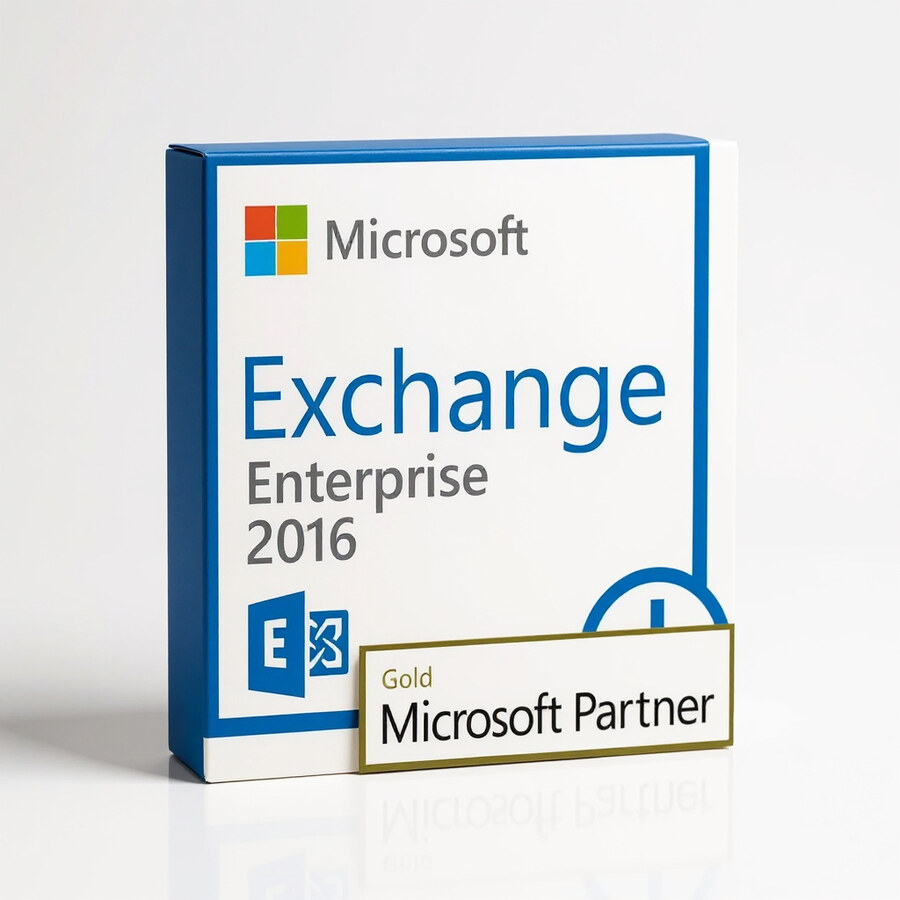
Exchange Server Enterprise 2016
449 £

Click to Verify our Partnership
Platform: Windows
Language: Multilanguage
Cores: Unlimited
CPU: UP to 4
Key: Lifetime
Version: Enterprise
The delivery of the product take places on the same day!
Keep business email, calendars, contacts, and shared information under your organisation’s control. Microsoft Exchange Server Enterprise 2016 provides an on-premises messaging platform for organisations that require centrally managed email services, mailbox resilience, and collaboration tools inside their own server environment. It is designed for IT teams that need more than basic mailbox hosting: policy enforcement, retention controls, discovery capabilities, and high-availability architecture are built into the Exchange platform.
Exchange Server Enterprise 2016 is the edition for larger mailbox deployments and demanding operational requirements. Its Enterprise licensing model supports up to 100 mounted mailbox databases per server, compared with the lower database limit of the Standard edition. This capacity gives administrators more flexibility to separate departments, retention requirements, performance profiles, or availability groups without consolidating every user into a small number of oversized databases. The result is a more structured Exchange design that is easier to maintain and recover.
The platform combines email delivery with the collaboration services employees use every day. Users can access email, calendars, contacts, tasks, shared mailboxes, and public folders through supported Microsoft Outlook clients and Outlook on the web. This gives office-based and mobile users a consistent mailbox experience while allowing administrators to retain control of the data centre, network access, and messaging policies. Exchange ActiveSync support extends managed email and calendar access to compatible mobile devices, helping teams remain responsive without moving core mailbox data to a third-party hosted service.
- Enterprise mailbox database capacity: Support for up to 100 mounted mailbox databases per server enables more granular storage, recovery, and departmental mailbox planning.
- Database Availability Groups: Exchange high-availability features can replicate mailbox databases across participating servers, reducing the operational impact of a server or storage failure.
- Integrated compliance tools: Retention policies, retention tags, in-place hold, eDiscovery, and data loss prevention features help administrators apply consistent governance to business communications.
- Outlook on the web access: Browser-based mailbox access allows authorised users to work with email and calendars from supported web browsers without requiring a full Outlook installation.
- Built-in anti-malware capability: Exchange includes transport-level malware filtering features, helping reduce exposure before messages reach user mailboxes.
- Unified administration: The Exchange admin centre and Exchange Management Shell provide graphical and PowerShell-based controls for recipients, databases, transport rules, permissions, and policy configuration.
For messaging continuity, Exchange Server Enterprise 2016 supports Database Availability Groups, a core architecture for keeping mailbox databases available across multiple Exchange servers. Administrators can maintain database copies on separate servers and use managed failover processes to restore service when a hardware, operating system, or storage issue affects one node. This approach is especially relevant for organisations that cannot treat email downtime as an acceptable interruption. Enterprise Edition provides the mailbox database scale needed to design these environments with clearer workload separation and recovery planning.
Compliance functionality is equally practical. Retention tags and policies can automate how long mailbox content is retained, while eDiscovery and hold capabilities help authorised teams locate and preserve relevant messages during investigations or legal processes. Data loss prevention policies can identify sensitive information patterns in outbound communication and apply configured actions. These controls help organisations turn email governance requirements into repeatable administrative processes instead of relying on individual user behaviour.
This Microsoft server software has no physical materials, product dimensions, or hardware enclosure; deployment requirements are determined by the chosen server infrastructure, storage design, and mailbox workload. Exchange Server 2016 is intended for an on-premises Windows Server environment and requires compatible Microsoft server operating systems, Active Directory services, supported client software, and appropriate Exchange Client Access Licences for users or devices. Server sizing, memory, processor capacity, disk layout, backup design, and network configuration should be planned around the number of mailboxes and expected usage. Exchange Server Enterprise 2016 also reached Microsoft end of support on 14 October 2025, so organisations should account for the absence of current security updates and establish an upgrade or migration strategy before deployment.
Microsoft Exchange Server Enterprise 2016 delivers a defined on-premises messaging foundation for organisations with established Microsoft infrastructure and advanced mailbox database requirements. Its Enterprise-scale database capacity, collaboration services, availability architecture, and policy controls provide the administrative depth needed to operate email as a managed business system. Confirm licensing, Client Access Licence requirements, infrastructure compatibility, and support-status implications as part of the implementation plan.
| Brand |
Microsoft |
|---|
5 reviews for Exchange Server Enterprise 2016
Only logged in customers who have purchased this product may leave a review.
Συχνές Ερωτήσεις
What is Exchange Server Enterprise 2016 used for?
Exchange Server Enterprise 2016 is a messaging platform for managing business email, calendars, and contacts. It is designed to support efficient communication and collaboration across an organisation.
Is Exchange Server Enterprise 2016 suitable for large organisations?
Yes, it is designed for organisations that need a reliable and scalable messaging infrastructure. Its enterprise-focused features support centralised communication and improved operational efficiency.
Does Exchange Server Enterprise 2016 help reduce email downtime?
Exchange Server Enterprise 2016 includes a high-availability architecture intended to minimise downtime. This helps businesses maintain more consistent access to communication tools.
What security features are included in Exchange Server Enterprise 2016?
The software includes enhanced security measures and data loss prevention features to help protect sensitive business information. These capabilities support safer handling of internal and external communications.
Can Exchange Server Enterprise 2016 work with cloud services?
Yes, Exchange Server Enterprise 2016 supports hybrid deployments, allowing integration with cloud services. This provides organisations with more flexibility in how they manage their messaging environment.
Does Exchange Server Enterprise 2016 include web-based email access?
Yes, it includes Outlook on the web, which provides a responsive and user-friendly experience across devices. This allows users to access communication tools through a web interface.
How can Exchange Server Enterprise 2016 improve productivity?
It helps centralise email, calendar, and contact management, reducing the complexity of managing multiple messaging systems. Enhanced search functionality and an intuitive interface also help users find important information more quickly.
server_sam87 (verified owner) –
Exchange Server Enterprise 2016 took a bit of planning to install, but once the prereqs were sorted the setup was pretty smooth and activation worked first time. We mainly bought it for the extra database capacity and DAG support, and it fits our setup much better than the Standard edition. Outlook and web access have been reliable, and the admin centre plus PowerShell give us plenty of control over retention, shared mailboxes and transport rules.
The documentation could be a little clearer in places and I made a couple of silly config misteaks, but thats more on me than the product. Good choice for keeping mail on-prem and managing everything centrally, very happy with it so far.
ExchNerd (verified owner) –
setup was a bit fiddly, but the Database Availability Groups work well once its configured. The admin centre is useful, though the docs could be clearer and activation took longer than expected.
William Turner (verified owner) –
The licence arrived quickly and the installation media and activation details were straightforward to use on our Windows Server test environment. We configured the Exchange Admin Centre, transport rules and a two-server Database Availability Group without any unexpected issues, and Outlook on the web worked immediately after the mailbox databases were mounted. The Enterprise edition is a good fit for our larger deployment because the higher database limit gives us more flexibility when separating departments and retention requirements.
Keith R. (verified owner) –
Licence arrived quickly and the activation went through without any problems. Exchange Server Enterprise 2016 installed cleanly on our existing setup, and the extra database capacity is really usefull for splitting departments. The admin centre takes a little getting used to, but overall its exactly what we needed.
Oliver (verified owner) –
The licence details arrived quickly and activation was straightforward on our existing Exchange 2016 setup. The Enterprise edition gives us the extra mailbox database capacity we needed for separating departments and retention requirements, and everything has been running reliably since installation.