

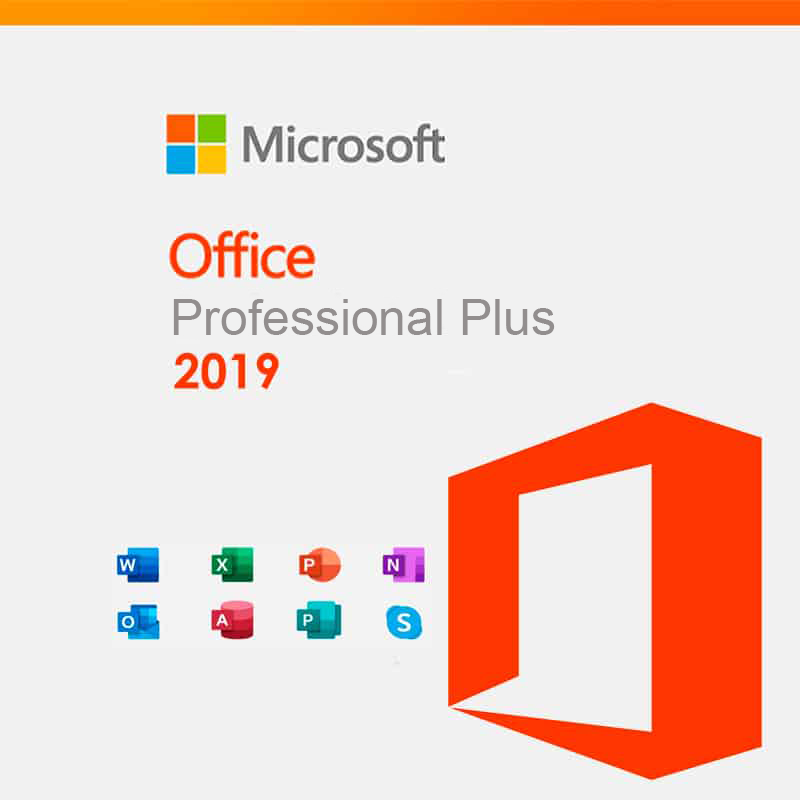


Microsoft Office Professional Plus 2019
69 £

Click to Verify our Partnership
Platform: Windows
Language: Multilanguage
Key: Lifetime
Devices: 1
Version: Pro Plus
The delivery of the product take places on the same day!
Create, analyse, present and communicate from one familiar desktop workspace. Microsoft Office Professional Plus 2019 brings Microsoft’s established productivity applications together for professionals who need dependable tools for documents, spreadsheets, presentations and business correspondence. It reduces the friction of switching between separate programs, so everyday work can move from draft to delivery with consistent file handling and a recognisable Microsoft Office interface.
For document-heavy work, the 2019 Office environment supports structured writing, editing and formatting workflows that help produce clear business-ready output. Prepare reports, proposals, letters, meeting notes and internal documentation in a format colleagues and clients recognise. Microsoft Office’s long-standing document standards also make it practical for organisations that exchange editable files in common Office formats rather than relying on browser-only tools or fragmented software subscriptions.
Spreadsheet work becomes easier to control when calculations, tables and visual summaries sit in the same productivity suite as the rest of your business content. Microsoft Office Professional Plus 2019 is suited to operational reporting, budgeting, data tracking and management summaries where users need to turn rows of information into usable decisions. Presentation tools support the next stage of that process: converting figures, written recommendations and project updates into organised slides for meetings, training and client communications.
- Professional Plus 2019 edition: Provides a business-focused Microsoft Office suite for core office productivity, helping teams standardise the software used for routine commercial tasks.
- Microsoft Office 2019 generation: Delivers the familiar desktop Office experience for users who prefer installed productivity software and established workflows.
- Office licence product: Gives purchasers a defined software licensing option for deploying Microsoft productivity tools within an appropriate licensing environment.
- Microsoft brand platform: Supports continuity with the Office file formats, commands and user conventions widely used across professional workplaces.
- Professional productivity focus: Aligns document creation, spreadsheet analysis, presentation development and business communication in one software family.
This product is software, not a physical office accessory. It has no material construction, shipping dimensions or equipment footprint to accommodate. Its value comes from the desktop productivity environment it provides. Installation requires a compatible Windows PC and sufficient local storage for the Office applications and working files. Microsoft Office Professional Plus is a Windows-oriented edition; it is not presented as a Mac office suite. Confirm that the target device, Windows version, processor architecture and organisational licensing requirements meet Microsoft’s applicable system and activation conditions before deployment.
The SKU 991135896114 identifies this specific Microsoft Office Professional Plus 2019 listing, helping purchasers distinguish it from other Microsoft Office releases, editions and licence categories. That distinction matters. Office 2019 is a defined release, while Microsoft offers multiple Office product families with different application sets, licensing models, update approaches and platform support. Selecting the Professional Plus 2019 edition helps maintain consistency for users who need this particular Microsoft productivity-suite designation in their software estate.
Use it to support the daily output that keeps professional operations moving: formal documents, data-led reports, meeting presentations, administrative correspondence and structured business records. The connected Office workflow means content can begin as source data, become an analysed spreadsheet, then be communicated through a document or presentation without abandoning the same familiar software ecosystem. That continuity can reduce retraining requirements and simplify collaboration with contacts already working in Microsoft Office formats.
Microsoft Office Professional Plus 2019 is a focused choice for organisations and professionals that need a recognised Microsoft desktop productivity suite with a clearly defined 2019 release identity. It provides the practical foundation for producing, reviewing and sharing everyday business work in the Office environment many teams already understand. Verify device compatibility and licence suitability, then deploy a consistent toolset built for serious office output.
| Brand |
Microsoft |
|---|
11 reviews for Microsoft Office Professional Plus 2019
Only logged in customers who have purchased this product may leave a review.
Συχνές Ερωτήσεις
What is included in Microsoft Office Professional Plus 2019?
Microsoft Office Professional Plus 2019 includes core productivity applications such as Word, Excel, PowerPoint, and Outlook. These tools support document creation, data analysis, presentations, email management, and scheduling.
Is Microsoft Office Professional Plus 2019 suitable for business use?
Yes, it is designed for businesses and professionals who need advanced productivity tools. It is well suited for tasks such as preparing documents, analysing data, creating presentations, and managing communications.
What are the main benefits of choosing Office Professional Plus 2019?
The suite offers integrated applications that help users move efficiently between different tasks. It also provides an intuitive interface and cloud integration for accessing documents from different locations.
Does Excel 2019 support advanced data analysis?
Yes, Excel 2019 includes advanced data analysis capabilities, including new formulas and charts. This makes it useful for professionals who work with reports, budgets, and business data.
How does PowerPoint 2019 help with presentations?
PowerPoint 2019 includes visual effects and improved slide transitions to help create more engaging presentations. It is designed for users who need to communicate ideas clearly and professionally.
Can Outlook 2019 help manage email and schedules?
Yes, Outlook 2019 improves email management with features such as Focused Inbox and scheduling aids. This can help professionals organise communication and plan their work more efficiently.
Is Microsoft Office Professional Plus 2019 easy to use for new users?
Yes, the suite has an intuitive interface that helps reduce the learning curve. It is suitable for both experienced professionals and users who are new to these productivity tools.

officeowl84 (verified owner) –
The licence details were delivered shortly after ordering and the activation process was straightforward on my Windows 11 PC. Office installed without any problems, and the familiar Word, Excel and PowerPoint applications are working as expected.
Alex (verified owner) –
Installation was straightforward and Office activated without any problems on my Windows laptop. Word, Excel and PowerPoint all run smoothly and the familiar interface is exactly what I needed for work documents and spreadsheets. I would have preferred clearer licensing instructions, and the 2019 version lacks some newer features, but overall it was a very good purchase for the price.
Rosemary Carter (verified owner) –
Activation was straightforward on my Windows 10 laptop and the licence details arrived quickly after ordering. I mainly use Word for reports, Excel for monthly figures and PowerPoint for meetings, and everything feels familiar and runs smoothly without needing a subscription, so it was exactly what I needed.
Hannah (verified owner) –
The download link arrived within a few minutes, and the installer completed without any problems on my Windows 11 desktop. I entered the licence key during setup, signed in when prompted, and Word, Excel and PowerPoint were all activated correctly. The interface is familiar and the file compatibility is exactly what I needed for exchanging documents at work.
Warren Ellis (verified owner) –
Installed on my Windows PC without any fuss and activation worked straight away, with all the usual Word, Excel and PowerPoint tools I needed.
Kevin R. (verified owner) –
Arrived quickly and activated without any problems. Exactly what I needed for my Windows PC.
wozza1981 (verified owner) –
activation was pretty quick and Office 2019 installed without any drama. Word and Excel are working great on my old Windows laptop, just what i needed. good price too, cheers.
William Turner (verified owner) –
The licence details arrived quickly and installation on my Windows PC was straightforward. Office Professional Plus 2019 runs smoothly, and having Word, Excel and PowerPoint together is exactly what I needed for work. Very pleased with the purchase and the price.
jtechwalker (verified owner) –
The licence details arrived quickly and installation on my Windows PC was straightforward. Office activated without any problems, and Word, Excel and PowerPoint all work as expected with the familiar 2019 interface. A good option for everyday documents, spreadsheets and presentations without needing a subscription.
robbie1987 (verified owner) –
Installation was straightforward on my Windows 10 PC, though activation took a couple of attempts. Once running, Word and Excel work exactly as expected, but it would be nicer if newer features were included.
ed turner (verified owner) –
Bought Microsoft Office Professional Plus 2019 for a Windows 10 desktop and the download was available fairly quickly after payment. Word and Excel installed without any real trouble, and the interface is pretty much what I was expecting, so opening older work documents and spreadsheets has been straightforward. I mainly use it for invoices, budgeting and writing reports, and everything feels solid and familiar. The licence details were sent by email, which was handy as there was no physical delivery to wait for.
The only awkward part was activation. The instructions were a bit brief and I had to try the key twice before Office accepted it, then restart the computer before all the apps showed as activated. It would have been helpful to include clearer steps about removing an older Office installation first. Once that was sorted it has worked fine, but the setup wasnt quite as simple as I expected. Good value overall for a one-off desktop licence, although check your Windows version and licensing requirements carefully before buying.