

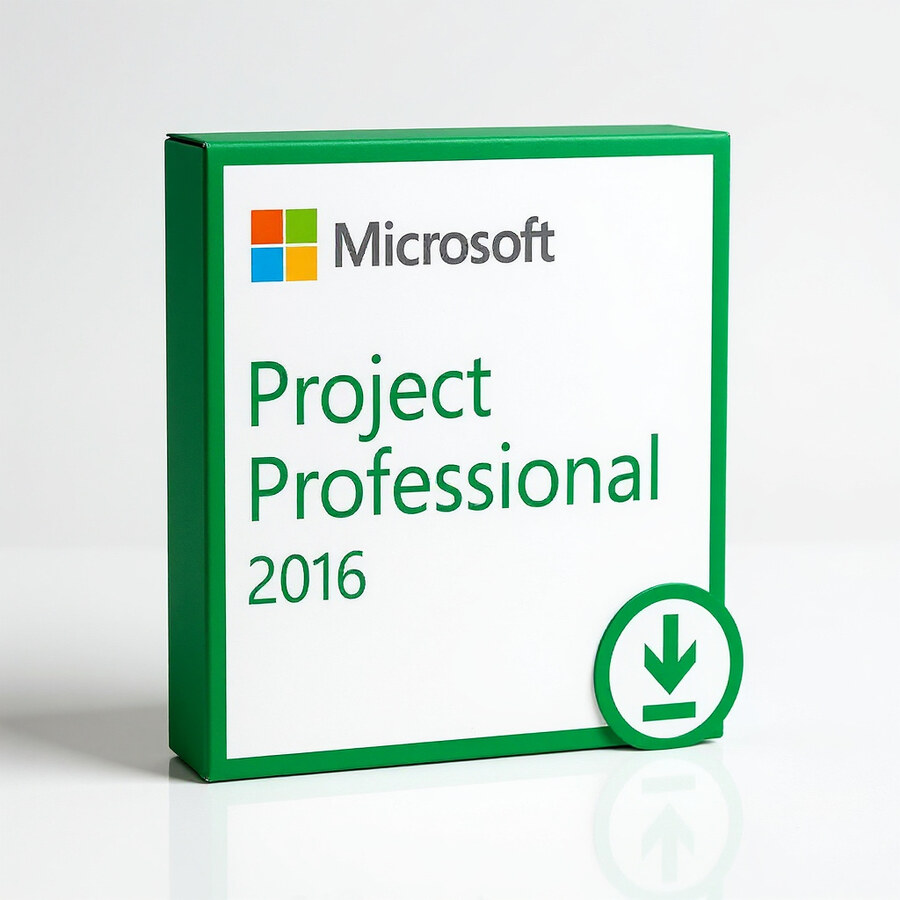

Microsoft Project Professional 2016
59 £

Click to Verify our Partnership
Platform: Windows
Language: Multilanguage
Key: Lifetime
Devices: 1
Version: Pro
The delivery of the product take places on the same day!
Turn complex schedules into controlled delivery plans. Microsoft Project Professional 2016 gives project managers a structured desktop environment for defining tasks, assigning resources, tracking dependencies, and communicating deadlines. Instead of managing disconnected spreadsheets and static timelines, you can maintain a single project file that shows what must happen, who owns the work, and where schedule pressure is building.
Professional project control starts with clear sequencing. Project Professional 2016 lets you build task lists, set durations, establish start and finish dates, and link dependent activities. These relationships update the schedule when earlier work moves, helping you identify the downstream impact of delays before they affect a committed delivery date. Gantt Chart views translate detailed task data into a visual timeline that stakeholders can review quickly.
Resource planning becomes more accountable. Assign people, equipment, and other work resources to individual tasks, then review workload across the plan. This helps expose overallocated team members and scheduling conflicts that are difficult to spot in a basic task list. Resource-focused views and the Team Planner support practical workload decisions, so managers can rebalance assignments before critical work becomes blocked by limited capacity.
- Task dependencies and critical-path visibility: link activities and identify work that directly affects the project finish date, allowing attention to stay on the tasks with the greatest schedule risk.
- Gantt Chart and timeline views: present milestones, phases, and planned dates in a format suited to project reviews, status updates, and stakeholder communication.
- Resource assignment tools: connect tasks with named resources and planned effort, providing a clearer view of ownership and potential workload conflicts.
- Built-in reporting: create visual project reports from schedule data, reducing manual preparation when communicating progress, work, and milestones.
- Professional Edition connectivity: the Professional edition is designed for integration with Microsoft Project Server and Project Online environments where an organisation has those services configured, supporting centralised project collaboration and portfolio processes.
- Digital License delivery: this product is supplied as a digital license, with no physical disc, printed manual, packaging material, or shipping dimensions to manage.
Microsoft Project Professional 2016 is a Windows desktop project-management application from Microsoft. It is intended for compatible Windows PC installations and is not a native macOS or mobile application. Project 2016 is available in 32-bit and 64-bit editions; the chosen installation architecture should align with the Microsoft Office environment on the target PC where applicable. No physical product dimensions apply because this is software delivered through a digital license.
The 2016 release is especially useful for structured plans that need more than a simple checklist: implementation schedules, product launches, infrastructure deployments, construction work packages, development roadmaps, and internal transformation programmes. Use it to establish a baseline plan, record actual progress, compare planned and current dates, and produce a more defensible status view. The value is not simply a chart. It is the ability to manage scope, time, resource capacity, and interdependent work from a controlled schedule.
Choose Microsoft Project Professional 2016 when schedule discipline matters. Its Professional Edition toolset combines detailed task planning, resource visibility, timeline communication, and enterprise connectivity options in a Microsoft desktop workflow. For teams that need traceable dependencies, measurable progress, and clearer ownership across a project plan, it provides the structure required to replace fragmented planning documents with an actionable project schedule.
Please confirm that your Windows environment, Office architecture, activation requirements, and any Project Server or Project Online configuration are suitable before installation. This ensures the digital license is deployed into the correct Microsoft Project workflow and supports the planning process your organisation intends to manage.
| Brand |
Microsoft |
|---|
1 review for Microsoft Project Professional 2016
Only logged in customers who have purchased this product may leave a review.
Συχνές Ερωτήσεις
What is Microsoft Project Professional 2016 used for?
Microsoft Project Professional 2016 is used for planning, tracking, and managing projects of different sizes. It helps project managers coordinate tasks, resources, timelines, and deadlines in one centralized tool.
Is Microsoft Project Professional 2016 suitable for beginners?
Yes, Microsoft Project Professional 2016 is suitable for both beginners and experienced project managers. Its user-friendly interface and built-in templates can help new users get started more easily.
Does Microsoft Project Professional 2016 include Gantt charts?
Yes, Microsoft Project Professional 2016 includes Gantt charts for visual project management. These charts help users view tasks, timelines, and project progress more clearly.
Can I manage project resources with Microsoft Project Professional 2016?
Yes, the software includes resource management capabilities that help you allocate resources with greater precision. This can support better planning and improve overall project visibility.
Does Microsoft Project Professional 2016 help with project reporting?
Yes, Microsoft Project Professional 2016 can generate insightful reports to support informed decision-making. These reports help project managers monitor progress and communicate project status more effectively.
Does Microsoft Project Professional 2016 integrate with other Microsoft applications?
Yes, Microsoft Project Professional 2016 integrates with other Microsoft applications. This helps improve collaboration and makes data sharing more convenient across project teams.
Who should buy Microsoft Project Professional 2016?
Microsoft Project Professional 2016 is ideal for project managers, team leads, and professionals who need to organize tasks, resources, and deadlines efficiently. It is useful for anyone looking to improve project visibility and team coordination.
Related products


Benjamin Clarke (verified owner) –
The licence key was delivered by email shortly after payment and activated without any problems. Project Professional 2016 installed correctly on my Windows 11 PC and the dependency links and resource views are useful for keeping our schedules organised. The product matched the description and was a straightforward purchase.