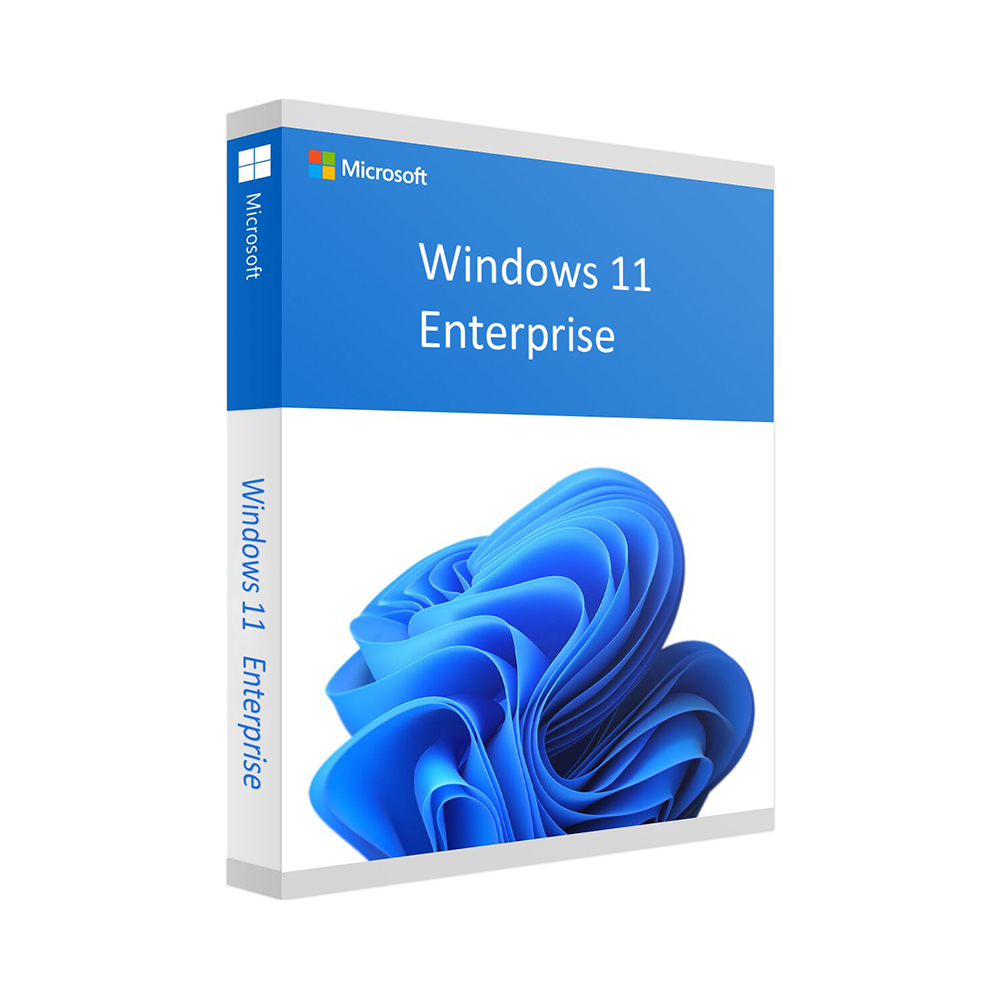
Windows 11 Enterprise
99 £
Click to Verify our Partnership
Platform: Windows
Language: Multilanguage
Key: Lifetime
Devices: 1
Version: Enterprise
The delivery of the product take places on the same day!
Windows 11 Enterprise is designed for organisations that need more than a standard desktop operating system. It provides the familiar Windows 11 experience while adding enterprise-focused security, management and deployment capabilities that help protect business data, support distributed teams and simplify administration across multiple PCs. At £99, it is a practical choice for businesses, IT departments and professional users looking to standardise their Windows environment with Microsoft’s enterprise-grade edition.
For companies handling sensitive files, customer information or internal systems, security needs to be built into the operating system rather than added as an afterthought. Windows 11 Enterprise includes advanced protection features designed to reduce risk at the device, identity and application levels. Enterprise security tools help IT teams apply consistent policies across managed devices, which means employees can work productively while the business retains stronger control over access, data handling and device compliance.
The Enterprise edition is particularly valuable when managing multiple computers. Centralised administration and policy control allow organisations to configure devices, deploy settings and maintain a consistent user experience without having to set up every PC individually. This can reduce time spent on routine IT tasks, make onboarding more efficient and help ensure that laptops, desktops and remote devices follow the same operational standards. For growing businesses, this consistency makes it easier to scale technology without creating unnecessary management complexity.
Windows 11 Enterprise also supports modern hybrid working. Its business-oriented management capabilities are suited to environments where staff work across offices, homes and customer sites. IT teams can maintain oversight of approved devices and applications while users benefit from the productivity features of Windows 11, including a refined interface, Snap layouts for organising multiple windows and improved collaboration support. The result is a more structured workspace for employees and a more manageable technology estate for the organisation.
As a software product, Windows 11 Enterprise has no physical dimensions or hardware components. Compatibility depends on the PC it will be installed on. Microsoft’s baseline Windows 11 requirements include a compatible 64-bit processor with two or more cores at 1 GHz or faster, at least 4 GB of RAM, 64 GB of storage, UEFI firmware with Secure Boot capability, TPM version 2.0, a DirectX 12-compatible graphics card with a WDDM 2.0 driver and a high-definition display of more than 9 inches with 720p resolution. Checking device compatibility before installation helps avoid deployment delays and ensures the operating system can run as intended.
Windows 11 Enterprise is well suited to small and medium-sized businesses, larger organisations, managed IT environments, professional offices, educational institutions and teams with compliance or security requirements. It can be especially useful where devices must be configured consistently, employee access needs to be controlled or business data must be protected across a varied workforce. Rather than relying on separate tools for every management requirement, organisations can build their Windows environment around an edition created for enterprise administration.
Microsoft Windows 11 Enterprise combines the modern usability of Windows 11 with the controls businesses need to operate confidently. At a price of £99, it offers a clear route to a more secure, manageable and professional Windows deployment. For organisations that want to support productive users while maintaining stronger oversight of devices and data, Windows 11 Enterprise is a dependable foundation for everyday business computing.
| Brand |
Microsoft |
|---|
16 reviews for Windows 11 Enterprise
Only logged in customers who have purchased this product may leave a review.
Συχνές Ερωτήσεις
What type of organization is Windows 11 Enterprise designed for?
Windows 11 Enterprise is designed for large organizations and enterprises that need a secure, productive, and manageable operating system for modern business environments.
How can Windows 11 Enterprise help improve employee productivity?
It offers a streamlined user interface with a redesigned Start Menu and Taskbar, plus enhanced multitasking capabilities to help employees work more efficiently.
What security features are included with Windows 11 Enterprise?
Windows 11 Enterprise includes advanced security features such as BitLocker and Windows Defender to help protect sensitive business data against cyber threats.
Does Windows 11 Enterprise support remote or flexible work?
Yes, its cloud integration helps employees access their work from anywhere, supporting greater flexibility and collaboration.
How does Windows 11 Enterprise help IT teams manage devices?
Windows Autopilot simplifies device setup and management, making it easier for IT departments to deploy and configure devices across an organization.
Is Windows 11 Enterprise suitable for improving team communication?
Yes, Microsoft Teams integration into the taskbar helps support communication and collaboration within business teams.
Is Windows 11 Enterprise easy for employees to learn?
The redesigned interface is intended to be intuitive and reduce the learning curve, helping new users adapt more quickly.
James Turner (verified owner) –
I installed Windows 11 Enterprise on a compatible work laptop and activation was straightforward. The interface is familiar, while the extra security and policy controls are useful for keeping several business PCs consistent. At £99, it was a reasonable way to standardise our setup.
alex (verified owner) –
installed Windows 11 Enterprise on three office PCs and activation was pretty much instant, the licence key arrived within a few minutes and all the machines picked it up without any fuss; the extra admin and security settings are handy for keeping things consistant across the team, and Snap layouts make switching between customer files and email much easier, only small issue was finding the TPM setting on one older PC but thats not really the softwares fault.
Michael Turner (verified owner) –
Key arrived quickly and Windows 11 Enterprise activated without any issues.
vtechrunner (verified owner) –
Installed Windows 11 Enterprise on a few office PCs and the setup was straightforward. The central policy controls are handy for keeping everything consistent, and delivery was quick too.
Fiona Bennett (verified owner) –
I bought Windows 11 Enterprise for a compatible desktop used in a small office. The licence details were delivered by email shortly after payment, and the activation instructions were clear enough to follow without contacting support. I checked the PC beforehand for TPM 2.0 and Secure Boot, then completed the installation from Microsoft’s official installation media. Activation completed successfully and Windows recognised the Enterprise edition straight away.
The main reason for choosing this version was the additional control over security settings and device policies rather than any visual difference from other Windows 11 editions. The interface, Snap layouts and normal desktop applications work as expected, while the policy and management options are useful for keeping several office PCs configured consistently. At £99, it was a reasonable option for this setup. The purchase and activation process were straightforward, so I have no issues to report.
Rachel Turner (verified owner) –
The Windows 11 Enterprise licence was delivered by email shortly after purchase and activated without any issues. Installation on a compatible business laptop was straightforward, and the additional management and security controls are useful for keeping our devices consistent. Good value at the listed price.
Ben Carter (verified owner) –
Installed windows 11 enterprise on a spare office PC after checking TPM 2.0 and Secure Boot in the BIOS, and activation went through without any problems. The Group Policy controls and device management options are exactly what we needed for setting the same security rules across several machines. delivery was quick and the £99 price is very reasonable, although the setup screen had a couple of odd typos.
Chris (verified owner) –
Activation was straightforward and Windows 11 Enterprise installed cleanly on my work PC. The extra security and management options are useful for keeping everything consistent.
Sarah M. (verified owner) –
Activation was straightforward and the licence arrived quickly; Windows 11 Enterprise installed cleanly on our TPM 2.0-ready PC.
William (verified owner) –
The Windows 11 Enterprise licence arrived quickly and activation was straightforward on our compatible PCs. The centralised management and security controls are useful for keeping settings consistent across several machines, especially with staff working remotely. Good value at this price and no issues during installation.
GadgetGav (verified owner) –
activation was quick and Windows 11 Enterprise installed smoothly on our office PC. The centralised settings and security controls are exactly what we needed for managing several machines, and £99 feels like a very fair price. Really happy with it so far, no major issuses.
Ian Fletcher (verified owner) –
activation was quick and the Windows 11 Enterprise licence installed cleanly on our office PC after checking TPM 2.0 and Secure Boot. The central policy settings and device management options are usefull for keeping several machines configured the same way, and Snap layouts are handy day to day. Delivery was fast and the £99 price is very fair for this edition, no problms so far.
Ollie (verified owner) –
Bought Windows 11 Enterprise for a small office and the activation instructions were clear, so I had it running on the first PC without any problems. The policy and device management features are useful for keeping several machines set up consistently, and £99 was a reasonable price for the licence.
Thomas Bennett (verified owner) –
Installation was straightforward after checking that the PCs had TPM 2.0 and Secure Boot enabled, and the licence activated without any problems. The central policy controls and consistent setup are useful for managing several office machines, although configuring the enterprise features took more time than a standard Windows 11 installation. At £99 it offers good value for a small team, but the documentation could be clearer for first-time administrators.
Helen P. (verified owner) –
Very pleased with Windows 11 Enterprise. Installation and activation were straightforward, and the centralised policy controls have made it much easier to keep our office PCs configured consistently. At £99, it was a great-value upgrade for our small business.
kentech84 (verified owner) –
Activation was straightforward and delivery was quick, although checking TPM and Secure Boot compatibility took some time.