

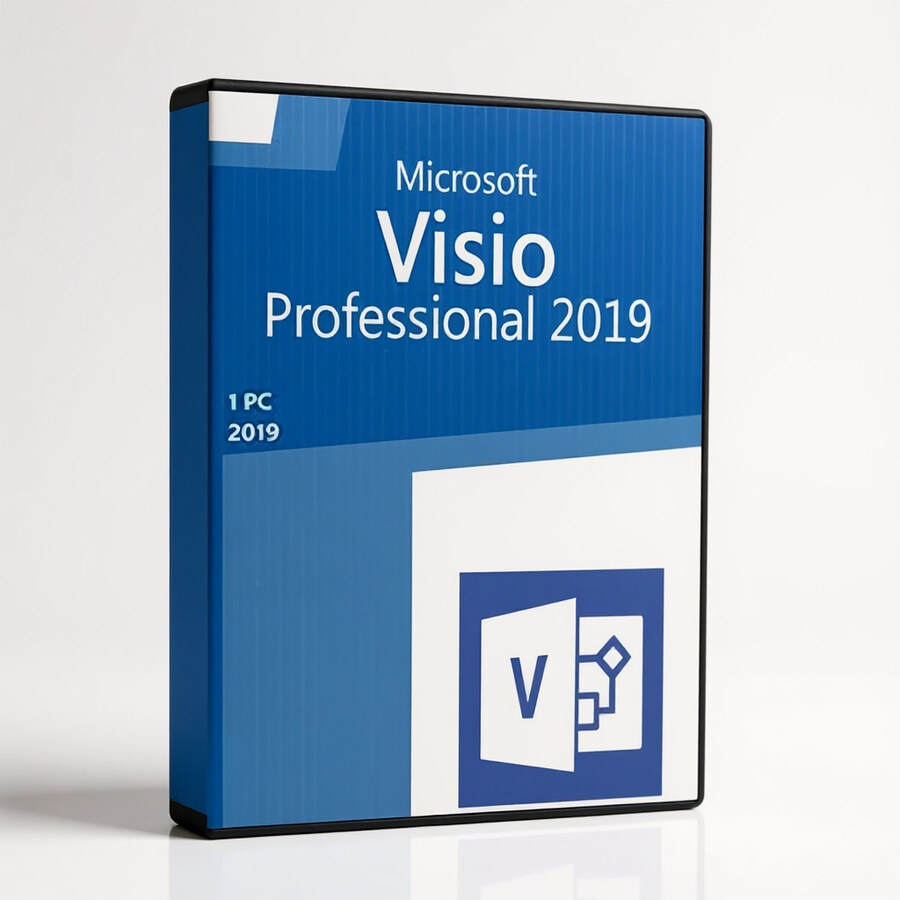

Microsoft Visio Professional 2019
149 £

Click to Verify our Partnership
Platform: Windows
Language: Multilanguage
Key: Lifetime
Users: 1
Version: Pro
The delivery of the product take places on the same day!
Turn complex processes, systems, and organisational structures into diagrams people can understand at a glance. Microsoft Visio Professional 2019 provides a dedicated workspace for creating flowcharts, technical diagrams, process maps, and visual documentation that make operational detail easier to communicate. Instead of relying on dense spreadsheets or text-heavy documents, teams can present steps, dependencies, responsibilities, and system relationships in a structured visual format. This supports faster reviews, clearer decisions, and more consistent documentation across projects.
Built for professional diagramming work, Visio Professional 2019 helps users create visuals that remain useful beyond an initial presentation. The Professional Edition is suited to business analysts, IT teams, process owners, project managers, developers, and operations departments that need diagrams to explain how work moves through an organisation. From onboarding workflows to network layouts and application architecture, the software gives teams a defined way to document information that can otherwise become difficult to track, update, and share.
Use purpose-built diagram categories to start with the right visual structure. As a diagram software and flowchart tool, Microsoft Visio Professional 2019 is designed around common professional documentation requirements rather than a blank-page drawing process. This reduces the time required to build clear diagrams because users can organise information around recognised visual conventions. Flowchart-style layouts help map decisions and handoffs. Process diagrams help identify bottlenecks. Organisational charts make reporting lines visible. Technical diagrams provide a practical format for communicating systems and infrastructure to stakeholders who need clarity without unnecessary detail.
- Professional diagramming environment: Create structured flowcharts, process maps, organisational visuals, and technical documentation in one Microsoft software application. This gives teams a consistent format for operational and technical communication.
- Flowchart-focused capability: Map actions, decision points, approvals, and exceptions visually. Clear process flow makes gaps, duplicate steps, and unclear ownership easier to identify before they create delays.
- Visual documentation support: Convert complex information into diagrams that are easier to review than long written procedures. This improves understanding for project stakeholders, managers, technical staff, and end users.
- Professional Edition positioning: Microsoft Visio Professional 2019 is intended for more demanding business and technical diagramming needs. It supports organisations that require formal process and system documentation rather than occasional basic graphics.
- Microsoft brand software: Select a recognised Microsoft diagramming product for teams already working within Microsoft-led business environments. This supports familiarity in procurement, deployment planning, and internal software standardisation.
The 2019 release is a practical choice for organisations that need a stable desktop diagramming tool for established documentation processes. It is especially relevant when diagrams must become part of repeatable project deliverables, operational manuals, governance records, or technical handover packs. A well-maintained process map can reduce dependency on individual knowledge. A clearly documented system diagram can speed up troubleshooting and change planning. A visible workflow can help teams establish where approvals, data, and responsibilities move next.
This is digital software, so physical materials and product dimensions do not apply. Microsoft Visio Professional 2019 is supplied as a software product rather than a physical device, accessory, or office tool. Compatibility, installation method, licence type, activation requirements, and system requirements should be verified against the intended deployment environment before purchase. This is important for organisations managing Windows workstations, controlled software estates, remote-access environments, or specific Microsoft application policies. Confirming these details in advance helps ensure the software aligns with internal IT standards and user access requirements.
Use Microsoft Visio Professional 2019 to document a customer-service escalation path, map a purchase approval workflow, illustrate department structures, outline development processes, or create technical diagrams for internal systems. The value is not simply in producing a polished image. It is in creating a shared visual reference that helps people follow the same process, understand the same structure, and act on the same information. For teams that need disciplined, professional diagram documentation, Visio Professional 2019 provides a focused Microsoft platform built for that task.
Make complex work visible, reviewable, and easier to manage. Microsoft Visio Professional 2019 gives process, project, operations, and technical teams a specialist tool for converting complicated information into clear diagrams that support better communication and stronger documentation control.
| Brand |
Microsoft |
|---|
1 review for Microsoft Visio Professional 2019
Only logged in customers who have purchased this product may leave a review.
Συχνές Ερωτήσεις
What is Microsoft Visio Professional 2019 used for?
Microsoft Visio Professional 2019 is used to create professional diagrams such as flowcharts, network diagrams, and other visual representations of complex information. It helps turn data and processes into clear, easy-to-understand visuals.
Is Microsoft Visio Professional 2019 suitable for business users?
Yes, it is well suited for professionals and teams who need to present processes, systems, or data-driven insights clearly. Its templates, shapes, and data visualization tools make it useful for a wide range of business diagramming needs.
Does Microsoft Visio Professional 2019 include templates and shapes?
Yes, Visio Professional 2019 includes a variety of built-in templates and shapes to help users start new diagrams quickly. These resources make it easier to create professional-looking visuals without starting from scratch.
Can Microsoft Visio Professional 2019 connect diagrams to data?
Yes, Visio Professional 2019 includes advanced data visualization tools that allow diagrams to be connected to real-time data sources. This helps keep diagrams updated and more useful for data-driven presentations.
Does Microsoft Visio Professional 2019 support team collaboration?
Yes, Visio Professional 2019 supports collaboration so multiple users can work on diagrams together. This is supported through integration with Microsoft 365.
Is Microsoft Visio Professional 2019 easy for beginners to use?
Yes, Visio Professional 2019 has an intuitive interface designed to help users create diagrams efficiently. Built-in templates and shapes also make it easier for new users to produce professional-quality visuals.
Does Microsoft Visio Professional 2019 integrate with other Microsoft applications?
Yes, Visio Professional 2019 integrates with other Microsoft applications to support smoother workflows. This can help users import and export data more efficiently when creating or updating diagrams.

Nathan (verified owner) –
Installed smoothly and the flowchart templates make documenting processes much quicker.