

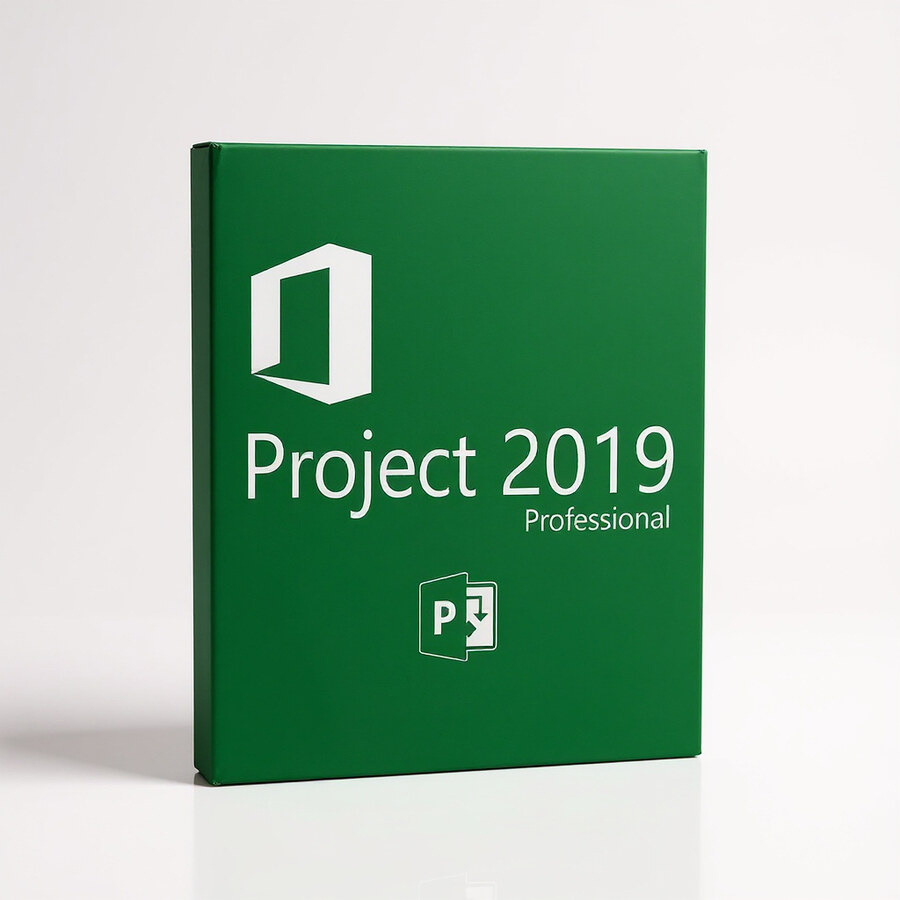
Microsoft Project Professional 2019
99 £

Click to Verify our Partnership
Platform: Windows
Language: Multilanguage
Key: Lifetime
Users: 1
Version: Pro
The delivery of the product take places on the same day!
Bring complex schedules, dependencies, and team workloads into one controlled plan. Microsoft Project Professional 2019 gives project managers a dedicated desktop environment for building structured project plans instead of relying on disconnected spreadsheets and manual status tracking. Its Gantt chart capability makes task timing, sequencing, and critical dependencies visible, so teams can identify schedule pressure before missed milestones affect delivery.
Built for professional project management, this Microsoft application supports detailed planning across multiple workstreams. Create tasks, organise them into phases, define start and finish dates, and link dependent activities to show how one delay affects the next. That structure turns a static task list into an operational schedule. Managers can review the plan, adjust priorities, and communicate realistic delivery dates with clearer evidence.
- Gantt chart planning: Display tasks against a timeline to make project duration, overlap, dependencies, and key milestones easier to assess at a glance.
- Task dependency management: Link related activities so schedule changes can be evaluated across the plan rather than updated manually in separate rows.
- Resource-focused planning: Assign work to people and resources to expose capacity constraints before they become delivery bottlenecks.
- Professional Edition collaboration: Connect project schedules to supported Microsoft project-management environments, including Project Server or Project Online deployments where configured by the organisation.
- Microsoft Project 2019 desktop workflow: Work in a purpose-built Windows project-management application designed for structured plans, reporting inputs, and schedule control.
The Professional Edition is suited to organisations that need more than a basic visual timeline. It provides the controls required to plan interdependent work, allocate ownership, and maintain a central project schedule. A construction rollout can map procurement, site preparation, installation, and handover in sequence. A software team can link discovery, development, testing, and release activities. A programme office can use the same planning discipline to standardise schedules across internal initiatives.
Microsoft Project Professional 2019 is digital software, not a physical product. It has no material composition, packaged dimensions, or equipment footprint to consider. It is intended for a compatible Microsoft Windows desktop environment. Exact operating-system requirements, installation method, account permissions, activation entitlement, and connection settings depend on the licence supplied and the organisation’s IT configuration. Project Server or Project Online connectivity also requires the relevant service environment and administrator setup; it is not created by the desktop application alone.
This 2019 release is particularly relevant for teams operating established Microsoft-based planning processes and maintaining Project 2019 schedules. The familiar project-management model keeps Gantt charts, task relationships, resource assignments, and schedule information together in one specialist tool. That reduces the risk of version drift that occurs when plans are copied between email threads, spreadsheets, and presentation files. Project stakeholders receive a clearer view of planned work, accountable resources, and the consequences of timeline changes.
Use Microsoft Project Professional 2019 to establish a plan that can withstand operational change. Define the work. Connect the dependencies. Make timing and ownership visible. With Microsoft’s Professional Edition, project managers gain a focused desktop platform for controlling detailed schedules and turning project information into decisions that protect delivery commitments.
| Brand |
Microsoft |
|---|
2 reviews for Microsoft Project Professional 2019
Only logged in customers who have purchased this product may leave a review.
Συχνές Ερωτήσεις
What is Microsoft Project Professional 2019 used for?
Microsoft Project Professional 2019 is used to plan, manage, and track projects from start to finish. It helps project managers organize tasks, allocate resources, monitor progress, and improve overall project visibility.
Does Microsoft Project Professional 2019 include Gantt chart functionality?
Yes, Microsoft Project Professional 2019 includes Gantt chart functionality for scheduling and managing project tasks. This helps users visualize timelines, dependencies, and progress more clearly.
Can Microsoft Project Professional 2019 help with resource management?
Yes, the software includes resource management tools that help optimize team workload and allocate resources efficiently. This can support better planning and help reduce scheduling conflicts.
Is Microsoft Project Professional 2019 suitable for complex projects?
Yes, Microsoft Project Professional 2019 is designed to help businesses and project managers oversee complex projects. Its planning, tracking, reporting, and visualization tools support better control over detailed project work.
Does Microsoft Project Professional 2019 provide project reporting features?
Yes, it includes project tracking and reporting capabilities that provide useful insights into project progress. These reports can help managers make more informed, data-driven decisions.
Can Microsoft Project Professional 2019 integrate with other Microsoft applications?
Yes, Microsoft Project Professional 2019 can integrate with Microsoft applications such as Excel and PowerPoint. This helps streamline workflows and makes it easier to share project information.
How does Microsoft Project Professional 2019 improve team collaboration?
Microsoft Project Professional 2019 includes collaboration features that support communication between teams and stakeholders. This helps improve transparency, accountability, and coordination throughout the project.

s jones (verified owner) –
Installed on Windows without trouble, and the licence activated straight away; the Gantt chart and linked dependencies are exactly what I needed.
Laura M. (verified owner) –
Installation on my Windows 11 desktop was straightforward, and activation completed through the supplied licence instructions without any issues. I have used the Gantt view to link procurement, installation and handover tasks, and the dependency updates save a lot of manual date changes when part of the schedule moves. Resource assignments also make it easier to spot overloaded team members before committing to a delivery date.