

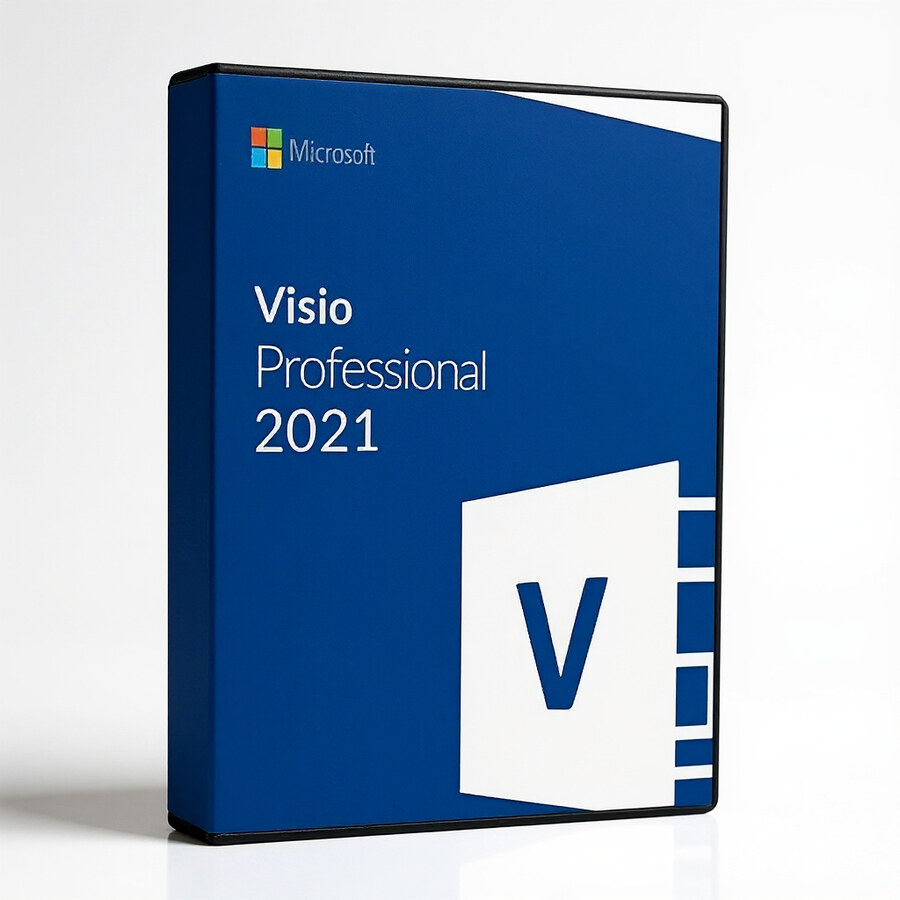


Microsoft Visio Professional 2021
199 £

Click to Verify our Partnership
Platform: Windows
Language: Multilanguage
Key: Lifetime
Users: 1
Version: Pro
The delivery of the product take places on the same day!
Turn complex processes into clear, decision-ready diagrams. Microsoft Visio Professional 2021 gives teams a dedicated workspace for mapping workflows, documenting systems and presenting operational information in a format people can understand quickly. Instead of relying on text-heavy documents or improvised slide graphics, you can build structured visual models that make steps, dependencies and responsibilities easier to review.
Designed for professional diagramming, this Microsoft application supports the work behind flowcharts, process maps, organisational charts, network diagrams and other business visuals. These diagrams help expose bottlenecks, clarify handoffs and create a shared reference for technical and non-technical stakeholders. The Professional edition is suited to environments where diagrams need to support planning, documentation and operational communication rather than simple one-off sketches.
- Professional diagramming workspace: Create structured flowcharts and process diagrams that convert complex procedures into visible, reviewable steps. This helps teams identify missing actions, unclear ownership and unnecessary delays before they affect delivery.
- Flowchart-focused capability: Map decisions, inputs, outputs and process paths in a consistent visual format. Clear flowcharts reduce interpretation errors when procedures are handed between departments, project teams or service operators.
- System and network documentation: Organise technical information into diagrams that are easier to maintain and communicate than long written inventories. This gives IT and operations teams a more accessible record of how components and processes relate.
- Professional Edition positioning: Built for business and technical documentation tasks that demand more than basic drawing tools. It provides a Microsoft-focused solution for users who need diagrams to support formal workflows, planning and internal communication.
- Microsoft Visio 2021 release: Select a defined 2021 version for organisations standardising their software estate around a known desktop diagramming application. A clearly identified release simplifies product selection and internal documentation.
Microsoft Visio Professional 2021 is a software product, so it has no physical materials, chassis dimensions or installation footprint to accommodate. Its value lies in the digital diagrams it produces and the clarity those diagrams bring to operational work. The listed product is identified as Microsoft Visio Professional 2021, brand Microsoft, with SKU 531787852828. That specific identification helps procurement and IT teams distinguish this Professional Edition from other Visio product tiers and releases.
Compatibility should be assessed against the organisation’s existing Microsoft desktop environment and software deployment requirements before purchase. As a Microsoft diagram software title, Visio Professional 2021 is intended for use within a Microsoft Windows-based desktop workflow. Confirm operating-system support, user licensing requirements, administrative permissions and any internal application standards with your IT team to ensure the correct deployment path.
Use it to document a service desk escalation route, define an approval process, outline an application architecture or present a department structure with clearer relationships. Project managers can use visual process maps to align delivery stages. Operations teams can document repeatable procedures. Technical teams can turn infrastructure information into diagrams that are easier for colleagues and auditors to inspect. Each use case benefits from the same outcome: less ambiguity around how work, systems and decisions connect.
Make important information easier to act on. Microsoft Visio Professional 2021 provides a focused Microsoft diagramming platform for creating flowcharts and professional visual documentation with a defined 2021 release identity. It is a practical choice for organisations that need process and system information presented clearly, consistently and in a form built for review.
| Brand |
Microsoft |
|---|
1 review for Microsoft Visio Professional 2021
Only logged in customers who have purchased this product may leave a review.
Συχνές Ερωτήσεις
What is Microsoft Visio Professional 2021 used for?
Microsoft Visio Professional 2021 is used to create professional diagrams, flowcharts, process maps, and other visual representations. It is designed for users who need advanced tools to visualize complex information clearly.
Who is Microsoft Visio Professional 2021 best suited for?
It is well suited for professionals such as architects, engineers, project managers, and business users who need to create detailed diagrams. Its templates, shapes, and visualization tools help simplify complex planning and communication tasks.
Does Microsoft Visio Professional 2021 include templates and shapes?
Yes, Microsoft Visio Professional 2021 includes a rich set of templates, stencils, and shapes. These resources help users create professional-grade diagrams more quickly and efficiently.
Can Microsoft Visio Professional 2021 connect diagrams to data?
Yes, it includes advanced data connectivity features that allow diagrams to be linked to real-time data sources. This helps keep charts, diagrams, and visual information up to date.
Is Microsoft Visio Professional 2021 suitable for team collaboration?
Yes, Microsoft Visio Professional 2021 offers enhanced collaboration tools. These features allow multiple team members to work on diagrams together more effectively.
Does Microsoft Visio Professional 2021 integrate with Microsoft Office applications?
Yes, Microsoft Visio Professional 2021 integrates seamlessly with other Microsoft Office applications. This helps users maintain a cohesive workflow within the Microsoft ecosystem.
Is Microsoft Visio Professional 2021 easy for beginners to use?
Yes, the software is designed with an intuitive interface that supports both beginners and experienced professionals. Its templates and guided design resources make it easier to create diagrams without starting from scratch.
Related products


Ian (verified owner) –
Installed without any hassle and activation was straightforward. The network and process diagram templates are exactly what I needed for documenting our IT setup.