

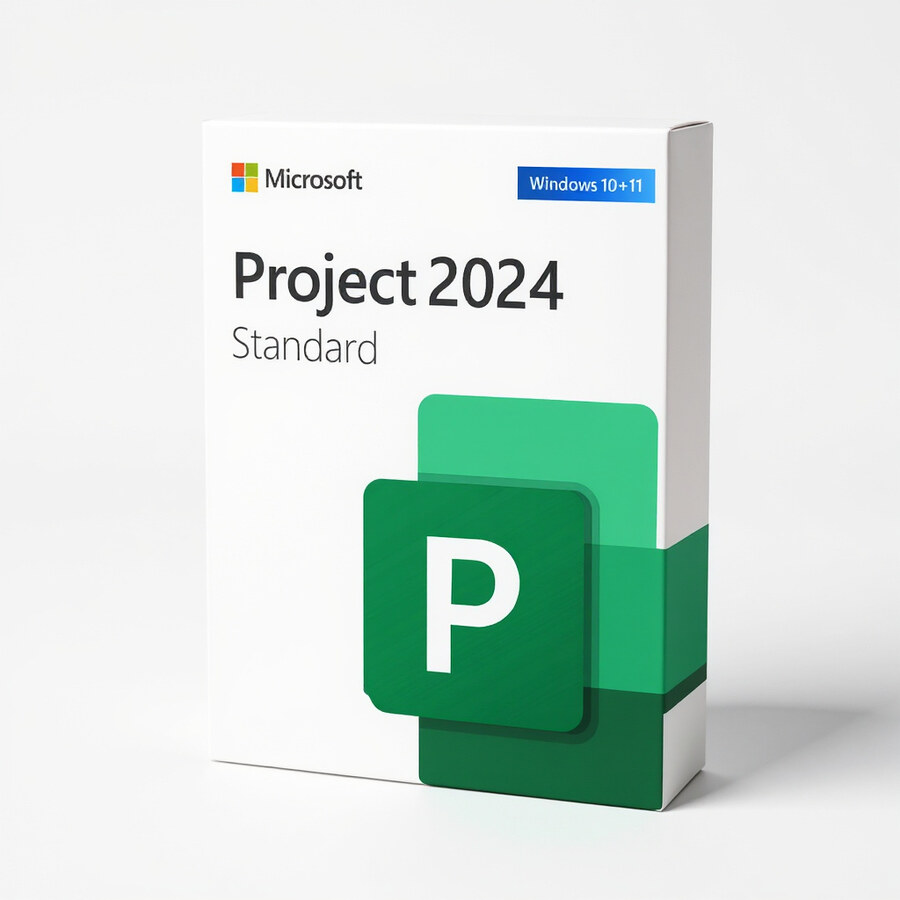
Microsoft Project 2024 Standard
149.00 £

Click to Verify our Partnership
Platform: Windows
Language: Multilanguage
Key: Lifetime
Devices: 1
Version: Standard
The delivery of the product take places on the same day!
Plan projects properly without spreadsheets. Microsoft Project 2024 Standard is the desktop project management application for Windows. It helps you build schedules, link dependent tasks, assign people and track progress against milestones, all in one dedicated planning tool.
Project 2024 Standard is suited to project managers and small teams who plan and manage their own projects on one PC. Define tasks and durations, organise work into phases, and use the Gantt chart to see how a delay in one task affects the final delivery date. Built-in reports turn the plan into clear status updates for colleagues and clients.
- Gantt charts and timelines: see the whole schedule at a glance and share a clear timeline with stakeholders.
- Task dependencies: link activities in the right order so changes flow through the plan automatically.
- Resource assignments: assign work to people and keep ownership visible.
- Reports: ready-made reports for progress, cost and workload.
- Standard edition: for individual planning on one PC. Choose Project 2024 Professional if you need collaboration with Project Online, Project Server or Microsoft Teams.
This is a digital licence, not a physical item. You receive the licence by email on the same day. It installs on Windows 10 or Windows 11; check Microsoft’s current system requirements before installing.
Choose Microsoft Project 2024 Standard for reliable, professional project scheduling at a lower price than the Professional edition.
| Brand |
Microsoft |
|---|
2 reviews for Microsoft Project 2024 Standard
Only logged in customers who have purchased this product may leave a review.
Christopher Reed (verified owner) –
Licence arrived by email the same day and activation was pretty straight forward. The Gantt chart and linked tasks work well for keeping our project dates under control, and the reports are handy for updates. downside is that the interface feels a bit dated and it took me a while to find some of the resource settings.
gary h (verified owner) –
Licence email arrived the same day, and activation was straightforward: I downloaded Project 2024 Standard from Microsoft, entered the key, and it installed cleanly on my Windows 11 desktop. I rebuilt one of our existing spreadsheet schedules using task dependencies, resource assignments and the Gantt chart, and it was much easier to see how moving a delayed task affected the final date. The built-in progress and workload reports are also handy for sending a clear update without having to format everything manually, although the interface took me a little while to get used to. Very good value compared with the Professional edition for a small team managing plans on one PC, and the only minor issue was finding the right menu for some settings at first.