

Blog
Activate Windows 10
Method 1
Over the Internet
The easiest way to activate your Windows is via the internet.
Follow these steps to activate your Windows 10:
- Click Update & Security and go to Activation (see the picture below).
- Find the ‘Change product key’ and click it. A window requiring you to enter your product key will appear.
- Enter your product key that you received with your order, click Next and then follow the instructions.
 (middle icon in the left bottom corner).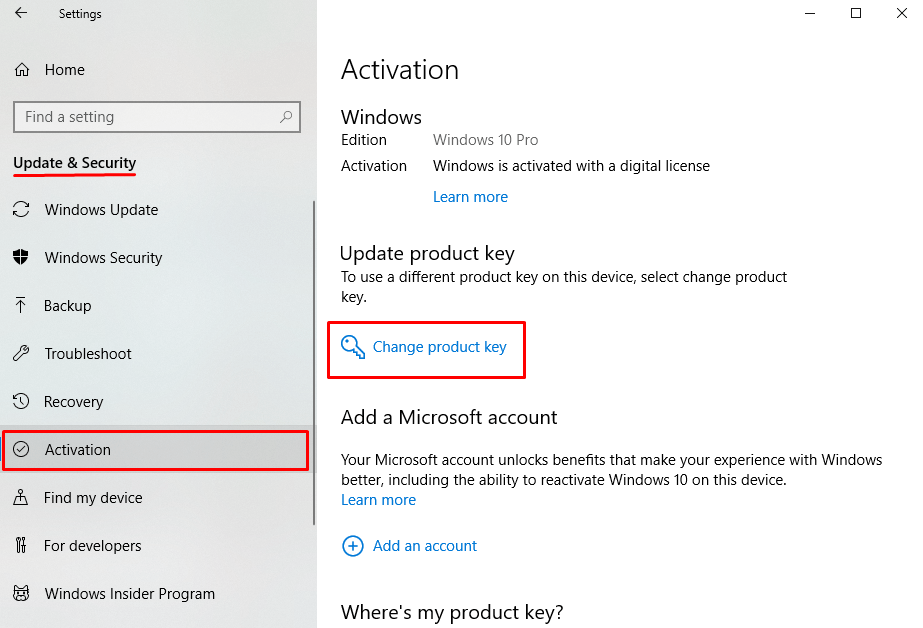
Method 2
Over the Phone
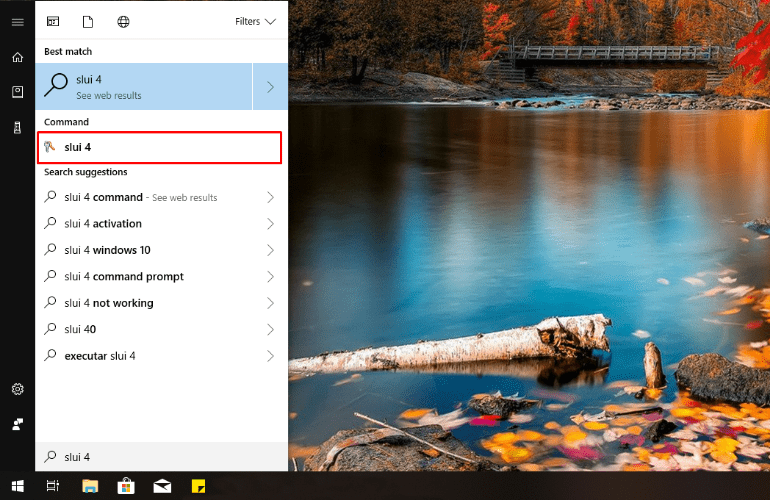
To start the phone activation of Windows, open search box and type slui 4. Click the result in the Command section and the Activation wizard will be launched.
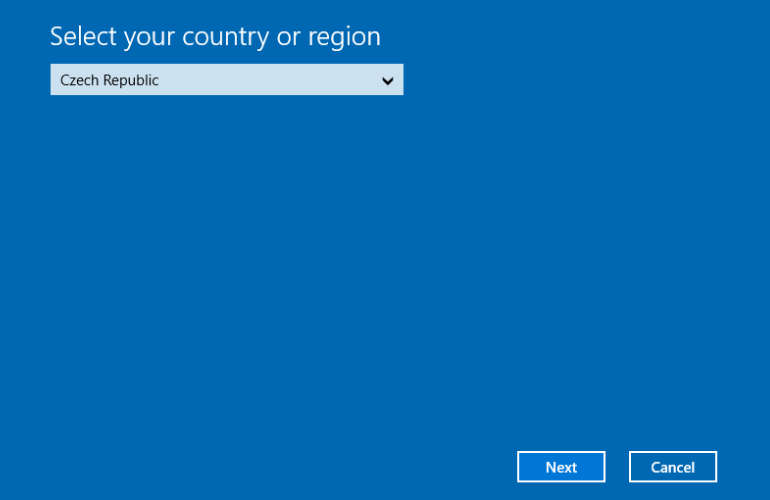
Select your country and click Next.
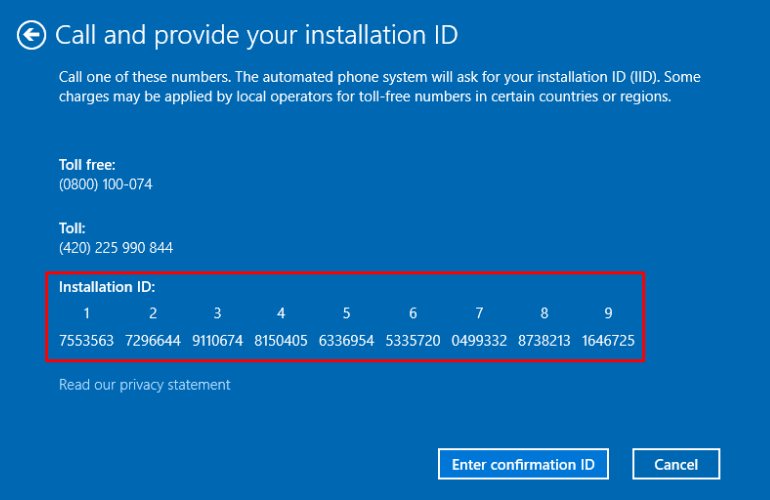
Now you can see your Installation ID. You will need these numbers to obtain your Confirmation ID, which is required to finish the activation of your product. So keep the window open and go to www.geticid.info
Alternatively, you can call at the telephone numbers on your screen to follow the phone activation system by Microsoft.
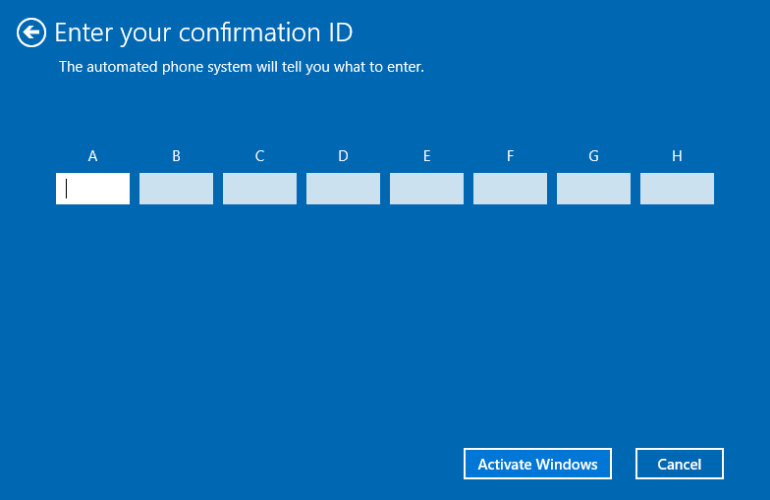
Type the Confirmation ID that you obtained in the appropriate boxes (A, B, C, D, E, F, G, H), then click Activate Windows to finish the activation process. And that’s all!
Related Posts
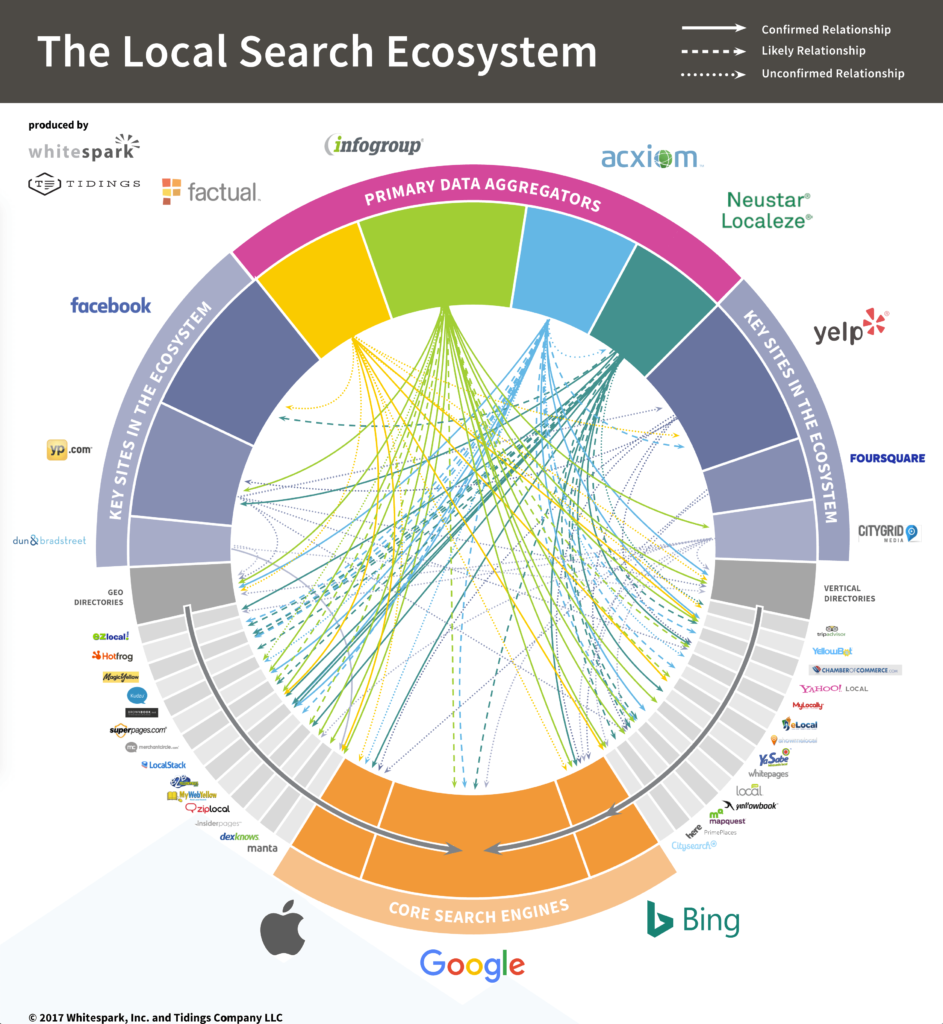
The Top UK Business Directories – Grab Your Free Listings!

Activating Over the Phone – Office
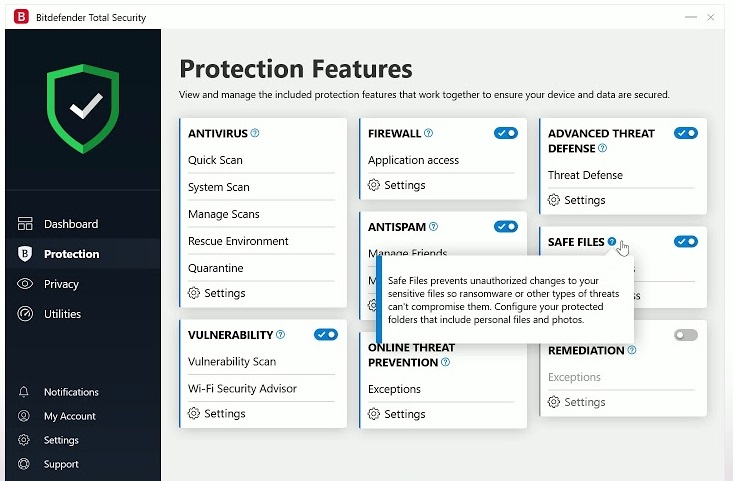
Activate Bitdefender Internet Security

Webroot Installation Guide
How to install and activate 365 account
Licensing Microsoft Exchange Server
Activate Office 2013-2016-2019

Activate Windows XP
Activate Windows 8

Activate Windows 7

Activate Microsoft Office 2010
