

Blog
How to install and activate 365 account
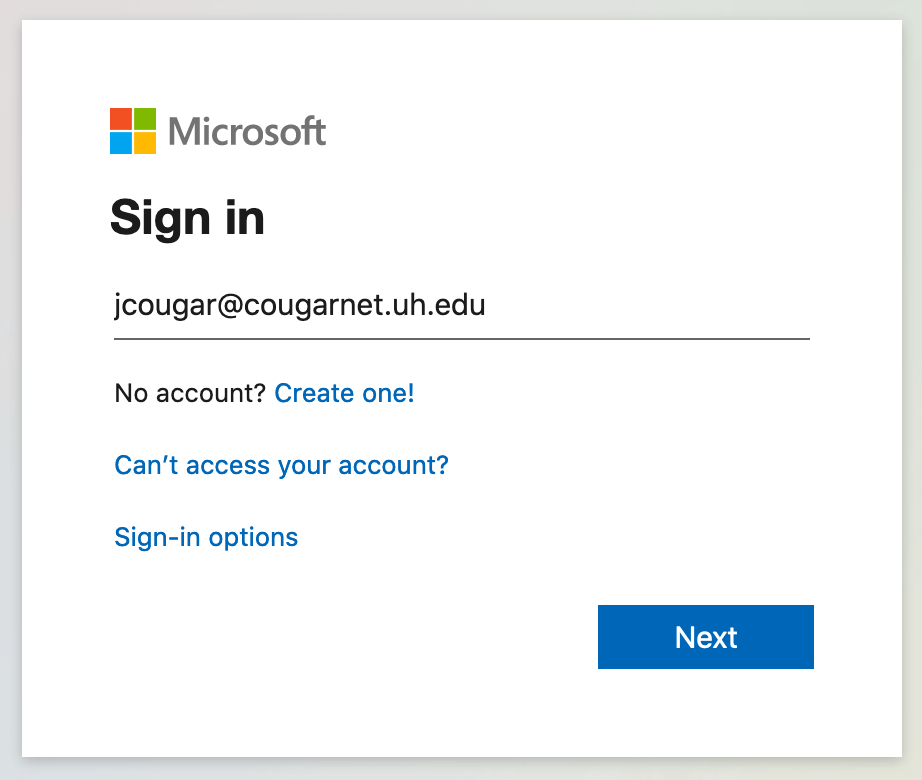
Sign in to download Office
- Go to office.com and signed in with the account you just bought from us. (if you are already signed in with another account, sign out and sign in with the email and password we provided you).
- You will be asked to change password, CHANGE IT.
- You will be redirect to home page and you will see the install office button at the right corner. Click it and download the office 365 apps.
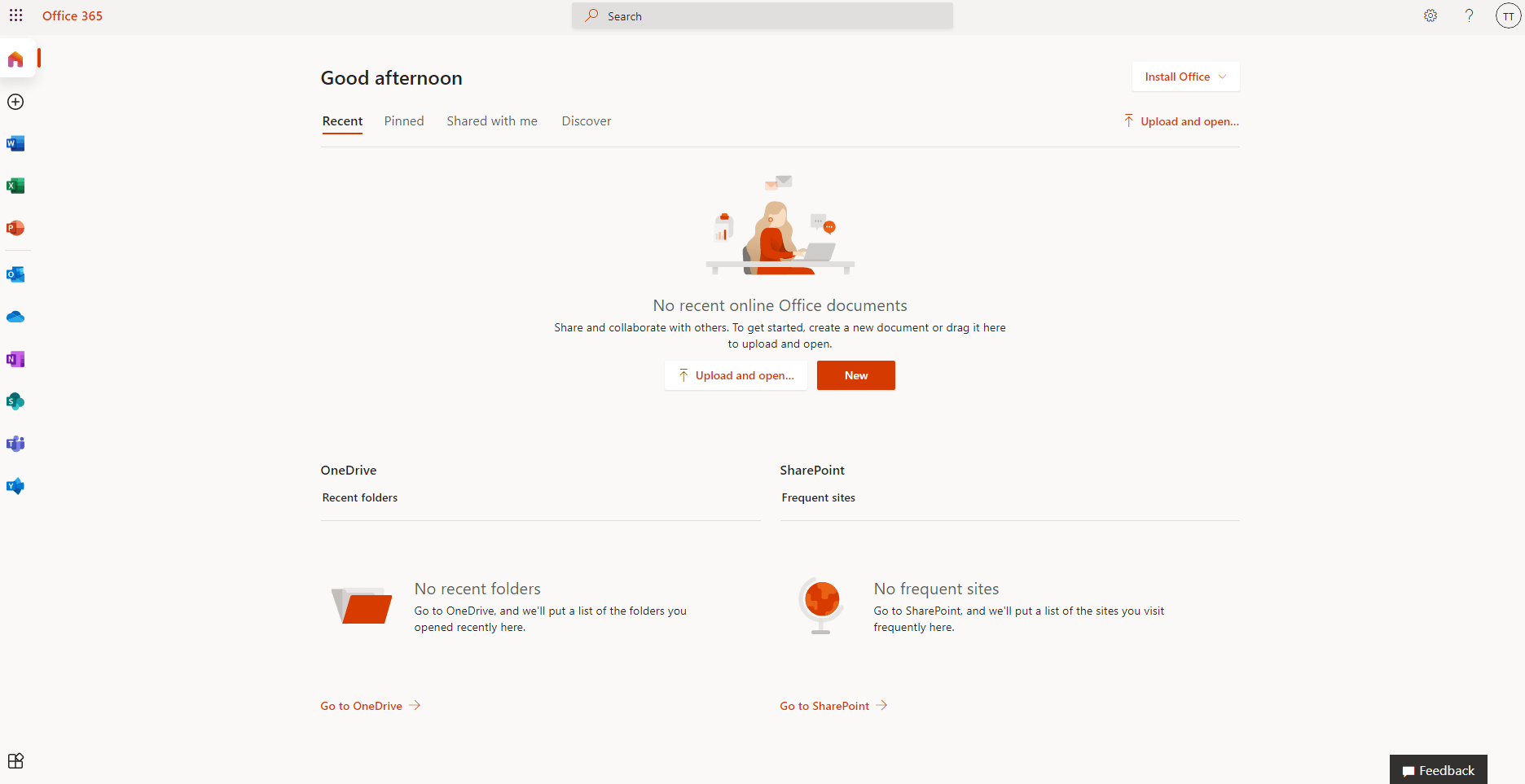
- After the download of the office 365 apps is completed, run the software and wait until it complete installing.
- Open word, excel, outlook or any other app you like and sign in when you will be asked to do it.
- Thats it!! Now you have full activate your office 365.
If you need office 365 for Android you need to download it from Google Play
If you need office 365 for iOS you should download it from App Store
Related Posts
10
Dec
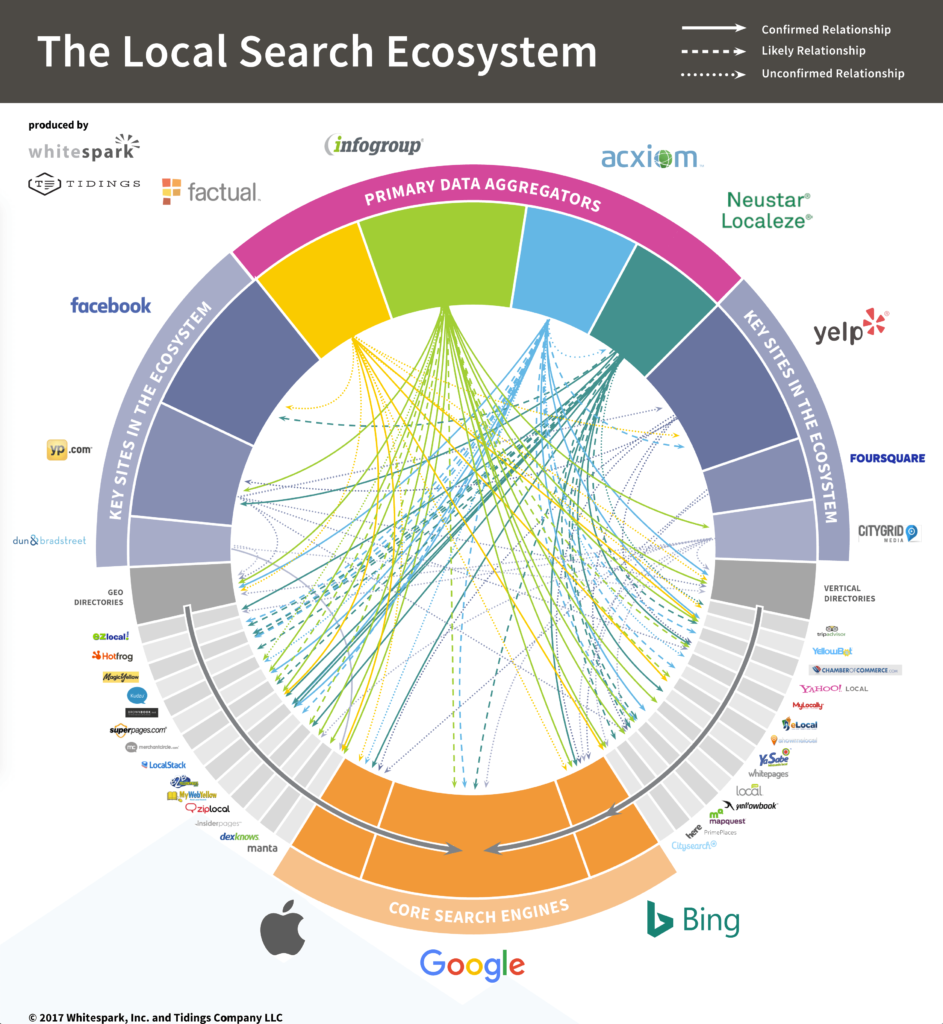
The Top UK Business Directories – Grab Your Free Listings!
Are free UK business directories still needed in 2021?!
It’s 2022 and the world population has just surpassed 6 billion, the millenniu...

27
Jan
Activating Over the Phone – Office
Make sure your computer is connected to the internet and open any Office program. You will be automatically asked to type your product ...
09
Jan
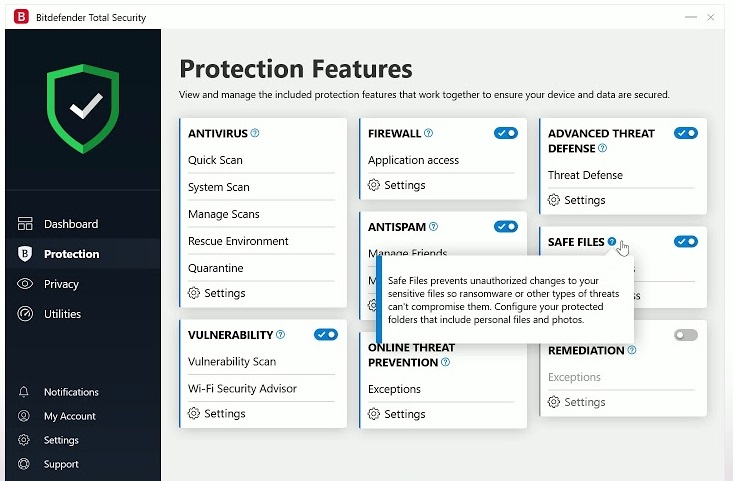
Activate Bitdefender Internet Security
IMPORTANT: For many Bitdefender products, a direct download from the manufacturer is not possible. You need to create a free online acc...
06
Jan
Webroot Installation Guide
Installation Guide:
EXISTING USERS:
★★★ If you already have Webroot Same Version installed on your device then you can RENEW your...
13
Dec
Licensing Microsoft Exchange Server
What are the options available today? Painting in broad strokes, there are two options: a traditional on-premise solution and an online...
11
Dec
Activate Office 2013-2016-2019
Method 1
Activating Over the Internet
When you install office open the word or excel and accept the terms of use and policy, when...

11
Dec
Activate Windows XP
Method 1
Activating Over the Internet
Ensure that you have a network connection. The easiest way to activate Windows is by connec...

11
Dec
Activate Windows 10
Method 1
Over the Internet
The easiest way to activate your Windows is via the internet.
Follow these steps to activate your Win...
11
Dec
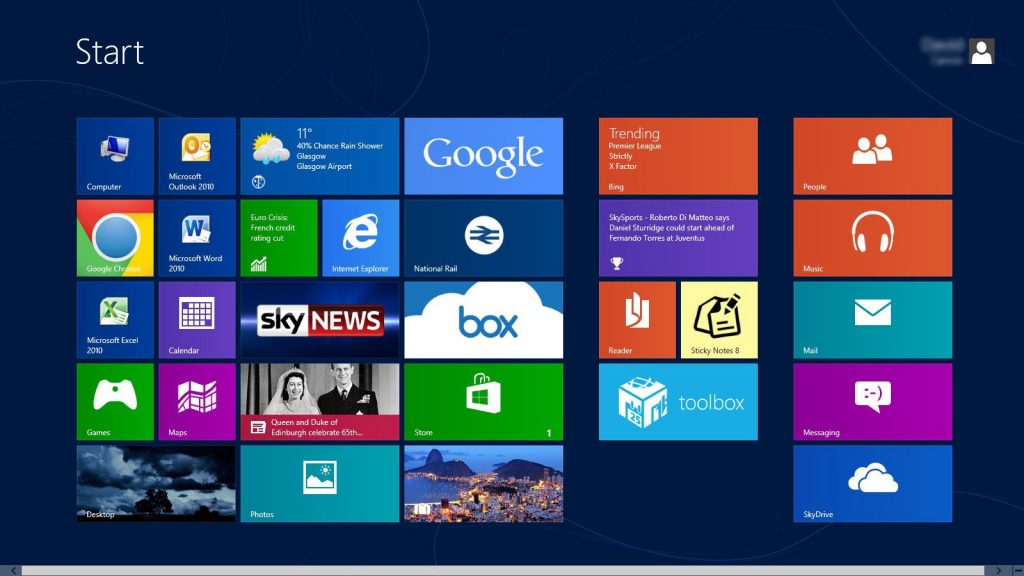
Activate Windows 8
Method 1
Over the Internet
Log in to the computer as an administrator, and then connect to the Internet.
Press the Windows + I ke...

11
Dec
Activate Windows 7
Method 1
Over the Internet
Click the Start button. Right-click on Computer and select Properties. This will open the System Prope...
11
Dec
Activate Microsoft Office 2010
Method 1
Activating via Internet
Launch the Microsoft Office 2010 application on your computer.
Click on “File” and point to...

11
Dec
Activate office 365
Method 1
Registering an Office 365 Product Key
https://www.wikihow.com/video/d/db/Activate%20Microsoft%20Office%20on%20PC%20or%20Ma...